Know what's on the shelf in every location.
Every item with its on-hand count, par level, unit cost and status, by category and storage location. Count on a phone with the barcode scanner and the value of what's on the shelf updates as you go.
Guide: Setting par levels and reorder points so the order writes itself
Guide: How to track and cost food waste in a restaurant
Guide: Food cost percentage: how to calculate it and bring it down

Example data from the demo café in the live product.
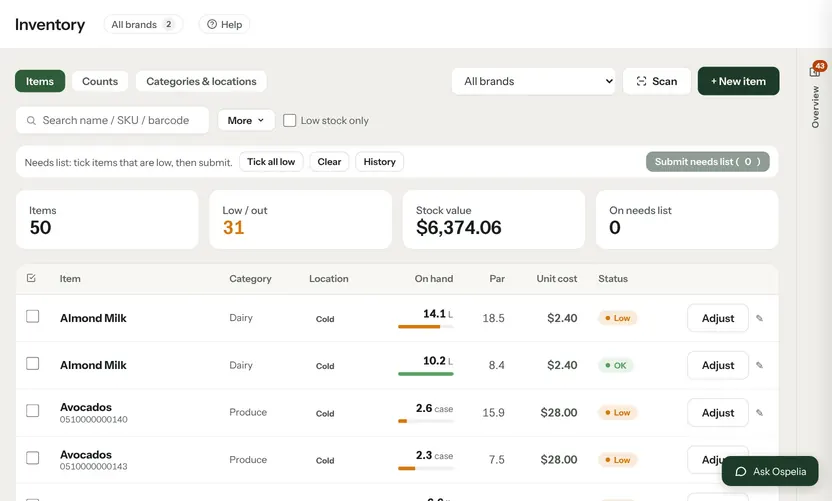
Inventory, up close.
Par levels per location
Set the level each location should hold; anything under it is flagged low.
Count on a phone
Search, scan a barcode, adjust — the count and stock value update instantly.
Opening and closing counts
Run full or spot counts, save and finish later, and compare what you actually used with what sales should have used.
How you buy it
Pack sizes and extra units — a case of six gallons, a pump of syrup — convert on their own everywhere.
Connected to
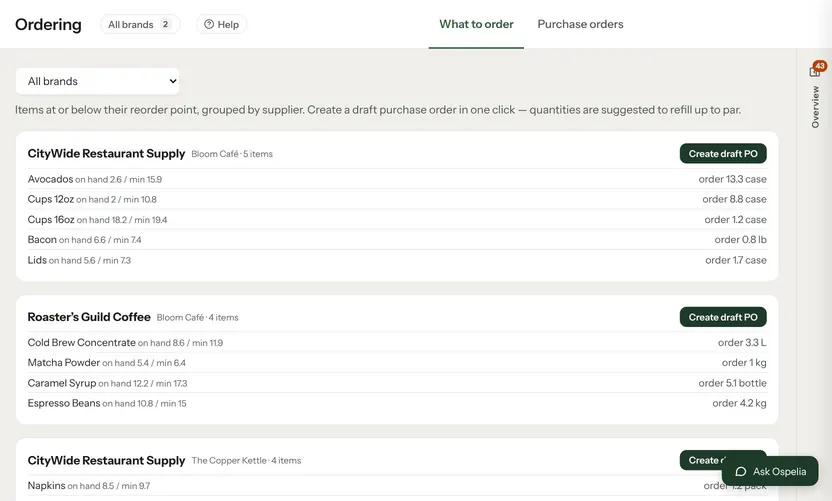
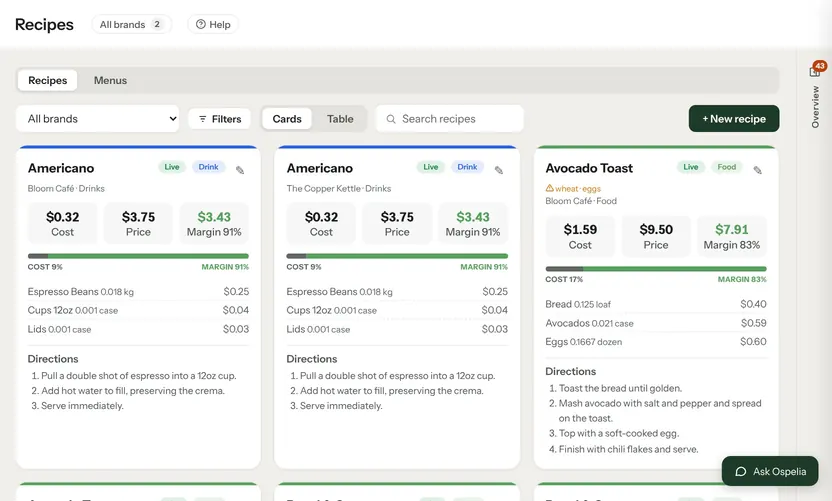
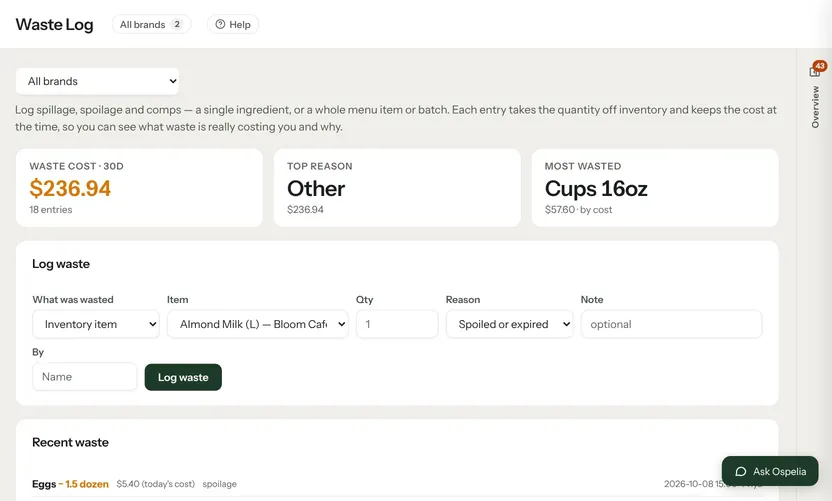
Nothing in Ospelia sits on its own. Inventory reads from and feeds these.
Good to know
Can staff submit what's running low?
Yes — tick low items into a needs list and submit it for the manager to order.
Order what you need, from your real counts.
Included in Operations. Unlimited users. Set up in about fifteen minutes.
7-day free trial · card required, nothing charged for 7 days · cancel any time