Catering from first inquiry to the prep list.
Build the order from your recipes with food cost and margin, send a proposal the client can accept and pay a deposit on, track the balance — then switch to the prep schedule to see what has to be made on which morning.

Example data from the demo café in the live product.
What Catering does.
Build the order
Items, quantities, guest count, delivery or pickup, date and location — the whole job in one record.
Deposits and balances
Send a proposal link the client can accept and pay a deposit on through your own Stripe account, and see the balance still owed, with the totals across every upcoming job at the top.
Status
Every job moves from inquiry to quoted to confirmed to prepped to completed, so you can see the pipeline at a glance.
Prep and schedule
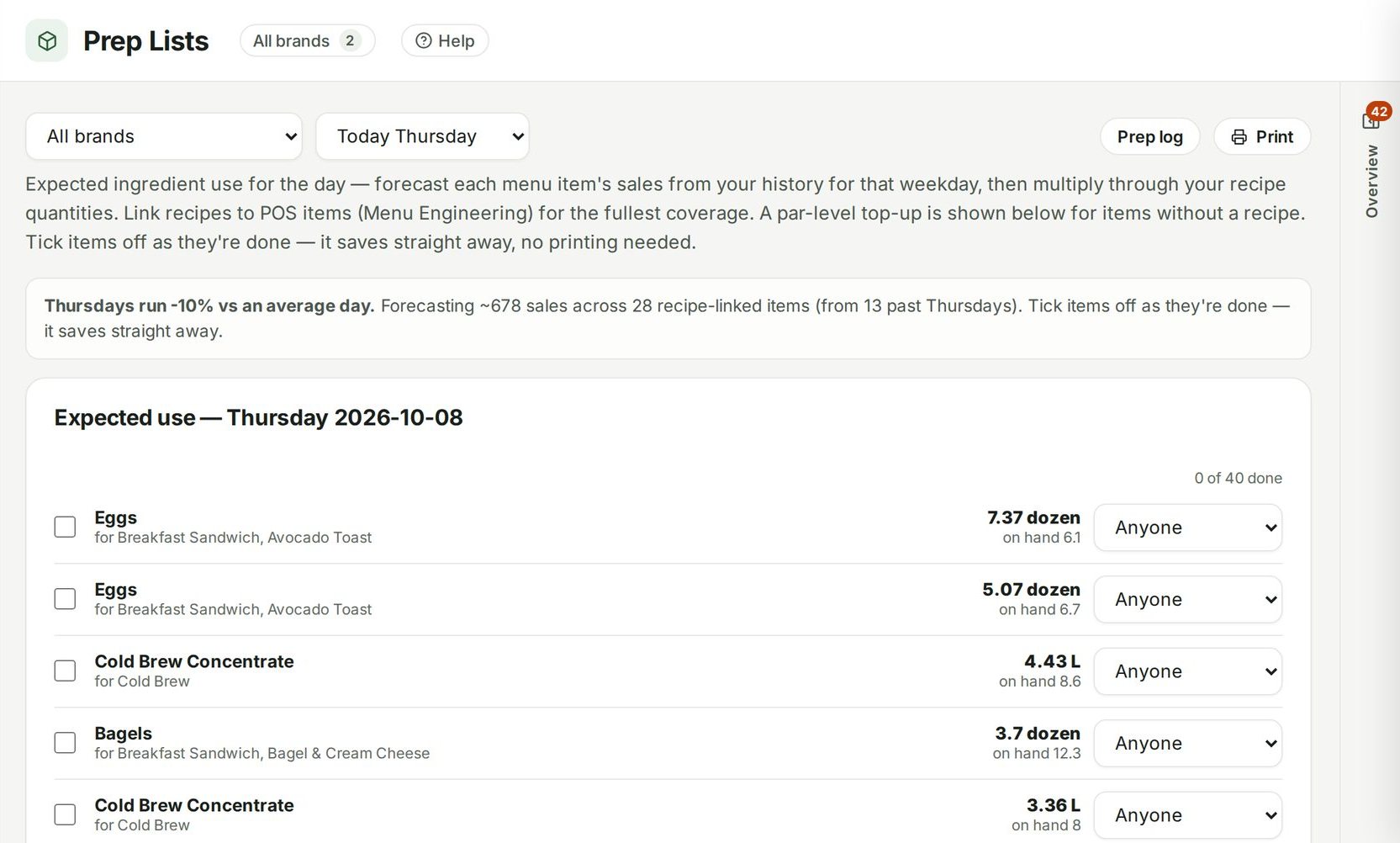
Switch to the prep view to see what has to be made on which morning across every confirmed job.
Connected to
Nothing in Ospelia sits on its own. Catering reads from and feeds these.
Good to know
Can clients request catering online?
Collect inquiries with a catering form on your website, or record them as they arrive. Each becomes a job, and a proposal link lets the client accept and pay a deposit to your own Stripe account.
Book the revenue that doesn't walk in.
Included in Operations, from $299 a location a month. Unlimited users. Set up in about fifteen minutes.
7 days free · cancel any time