Build the schedule against the sales you expect.
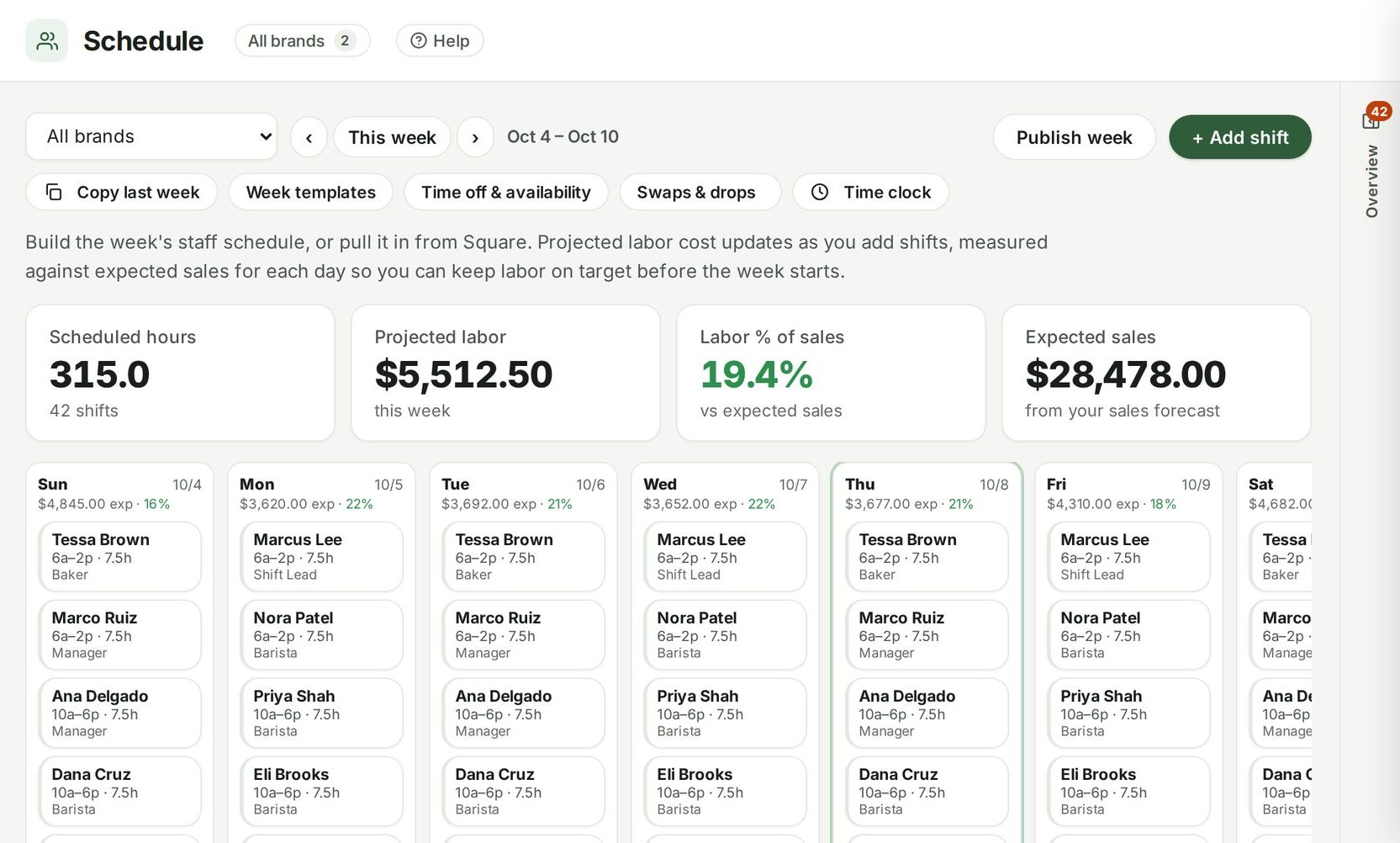
Write next week's schedule by hand or pull it in from Square. Scheduled hours, projected labor cost and labor percent update with every shift you add, measured against the forecast — so an expensive week gets fixed before it happens.
Guide: Labor cost percentage: how to schedule against the sales you expect

Example data from the demo café in the live product.
Scheduling, up close.
Against the forecast
Each day shows expected sales and the labor percent your shifts add up to.
Fast to build
Add shifts per person and role, copy last week or a saved week template, and publish — the team is told. Overtime and double-booking are flagged as you go.
Time off, swaps and a time clock
Staff ask for time off, set their availability, ask to swap or drop a shift, and clock in and out; managers approve.
Per location
Each location's week, or all of them.
From Square
Pull scheduled shifts in from Square if that's where they live.
Connected to
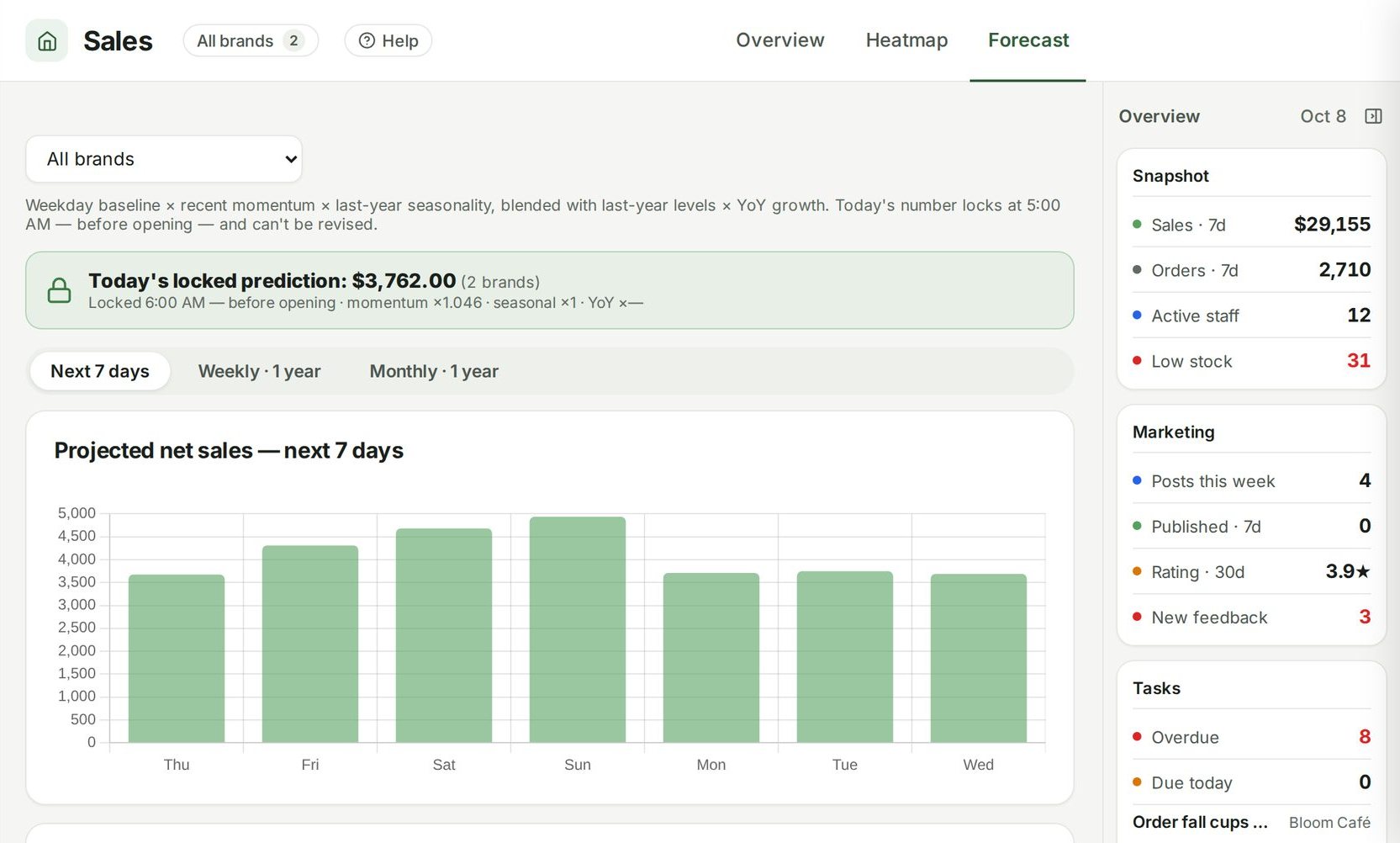
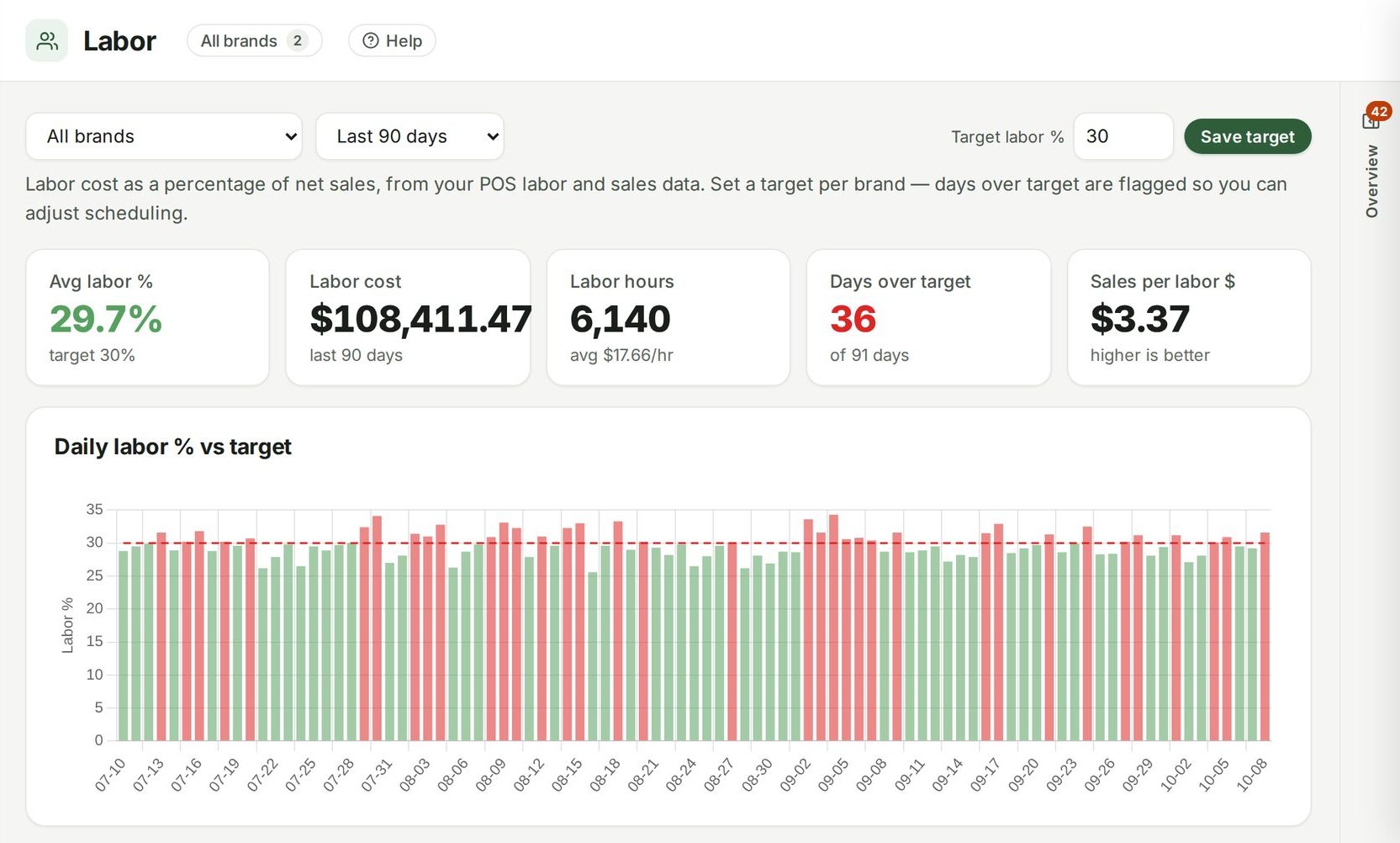
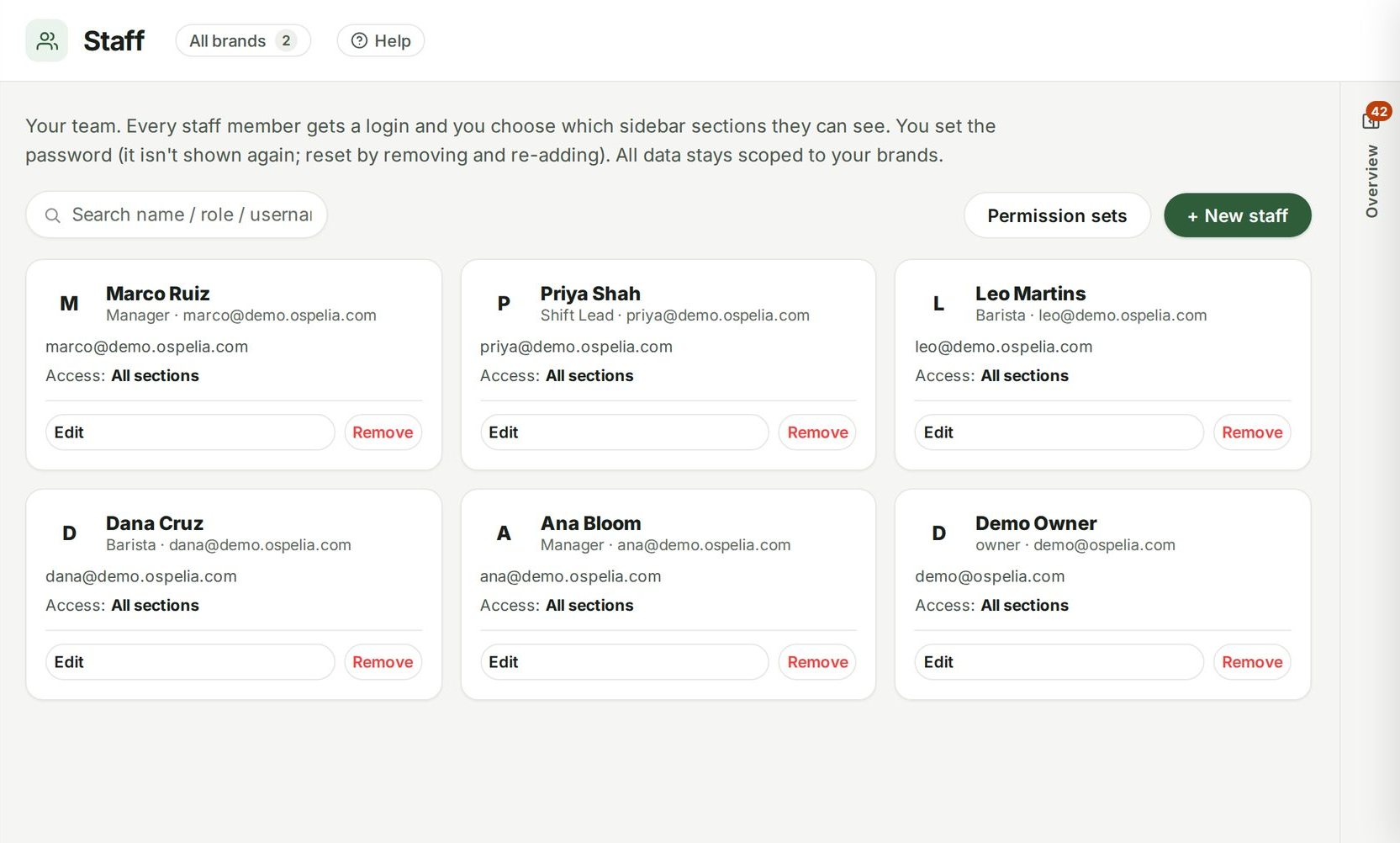
Nothing in Ospelia sits on its own. Scheduling reads from and feeds these.
Good to know
Do staff see the schedule?
Staff with access see their schedule on their phone.
Does it do time clock?
Yes, a simple one: staff clock in and out in Ospelia and managers fix missed punches. Hours also come from your POS timecards; Square syncs them automatically. Ospelia doesn't do payroll.
Schedule to the sales you'll actually do.
Included in Operations, from $299 a location a month. Unlimited users. Set up in about fifteen minutes.
7 days free · cancel any time