Your labor line, next to your sales line.
Labor cost as a percent of net sales, day by day against your target, with hours, sales per labor dollar, days over target and a staffing guide by weekday. Set a target per location and every day over it is flagged.
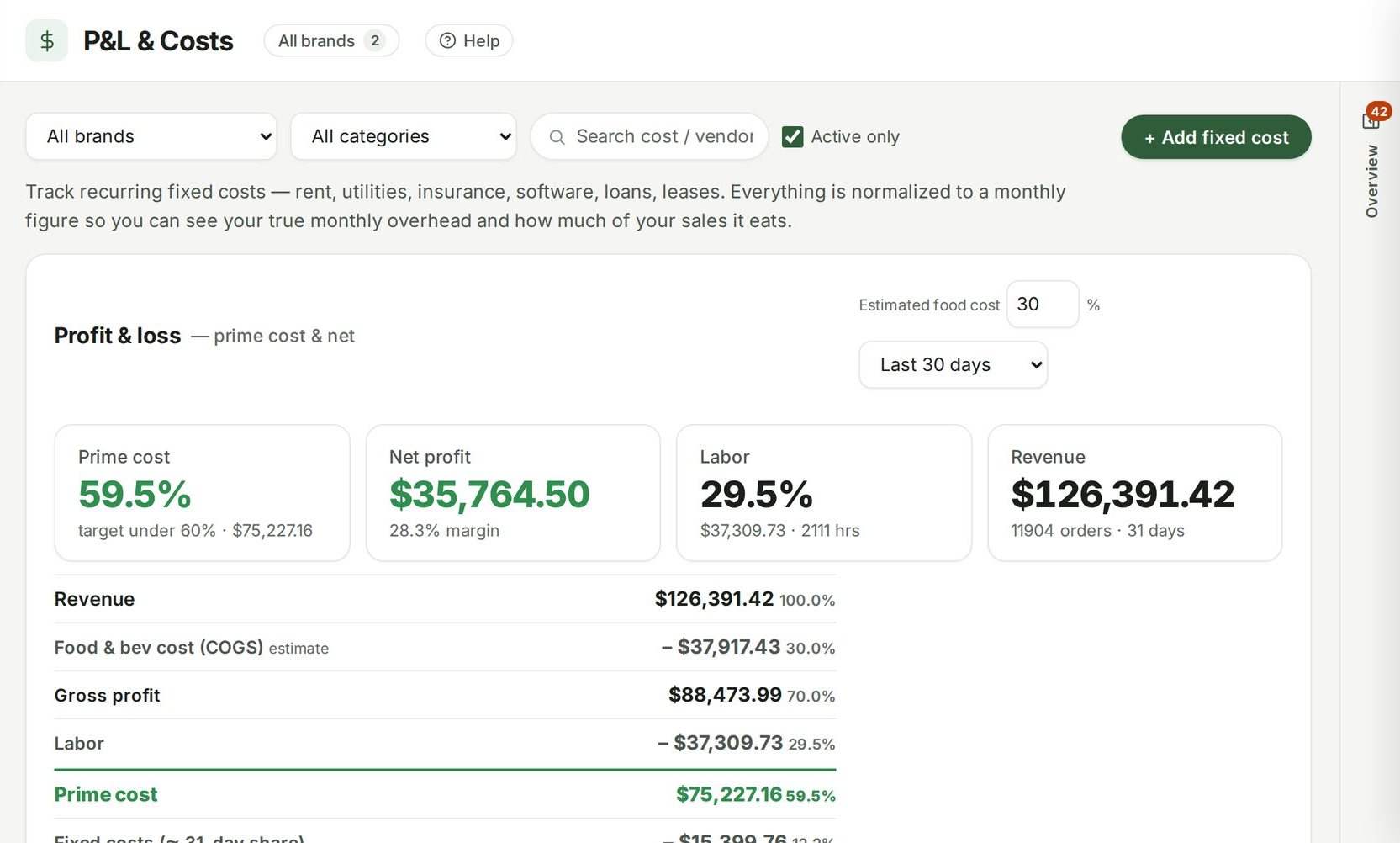
Guide: How to calculate prime cost, and why to check it every week
Guide: Labor cost percentage: how to schedule against the sales you expect

Example data from the demo café in the live product.
Labor % against target, daily.
Daily against target
Every day's labor percent against the target you set.
Days over target
A list of every day that ran over, with the sales it ran against.
Staffing guide
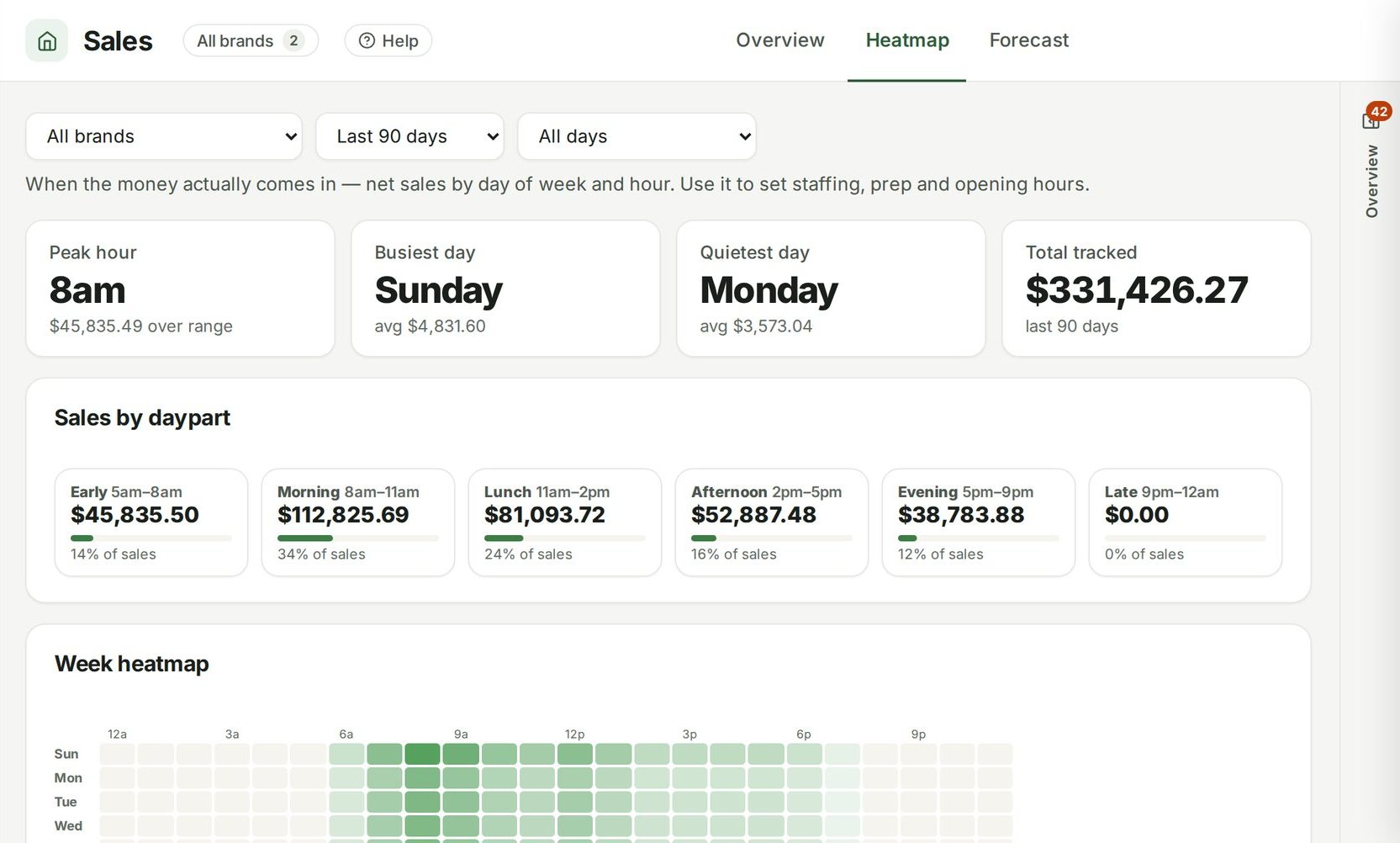
Average sales, hours and labor percent by weekday — where to add or trim.
Scheduled against actual
Hours and cost you scheduled next to what was worked, from Square timecards and the time clock, with hours and overtime per person.
Connected to
Nothing in Ospelia sits on its own. Labor tracking reads from and feeds these.

 Point of sale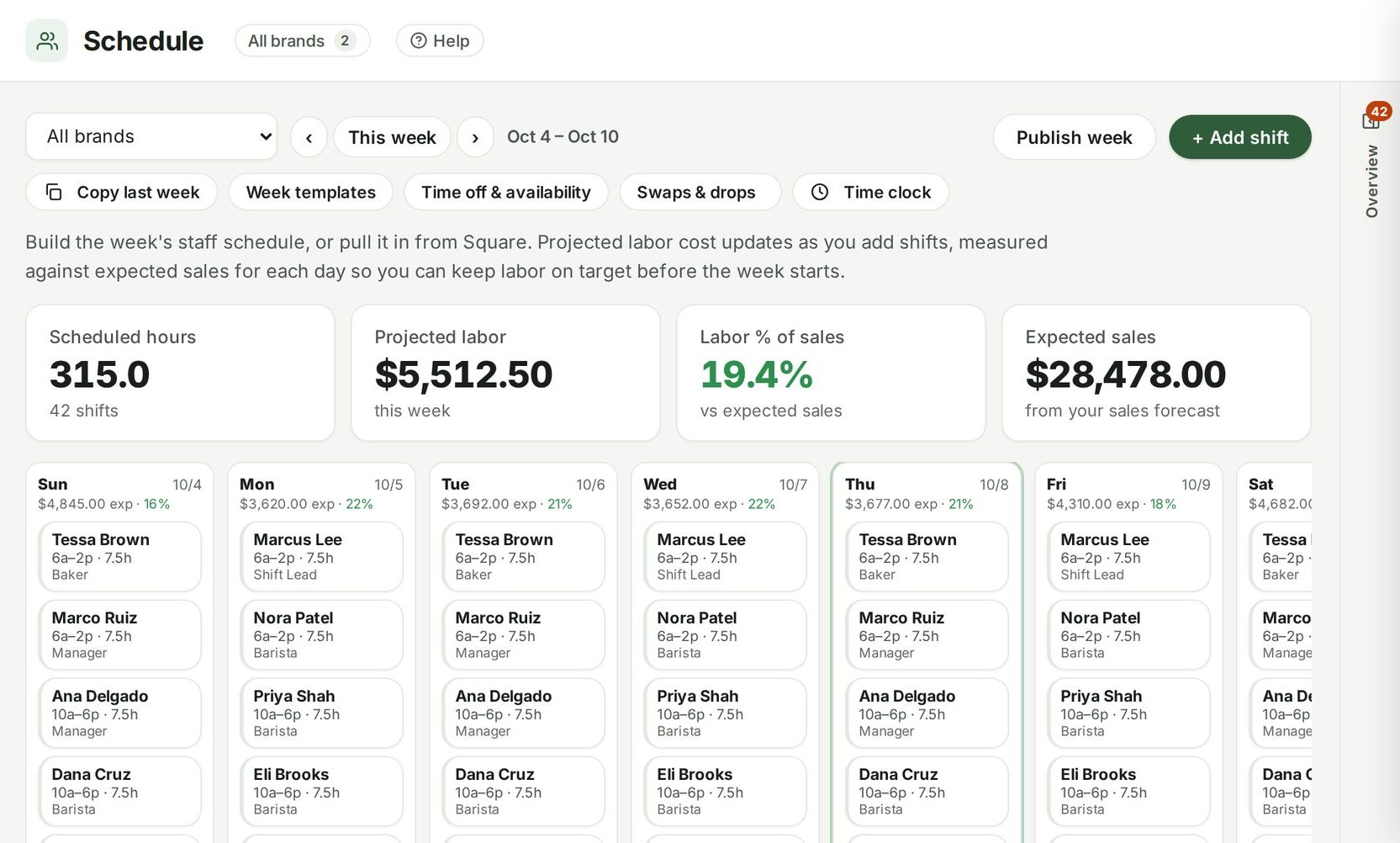
Good to know
Can I set different targets per location?
Yes, a labor target per location.
Schedule to the sales you'll actually do.
Included in Operations, from $299 a location a month. Unlimited users. Set up in about fifteen minutes.
7 days free · cancel any time