The order, already written.
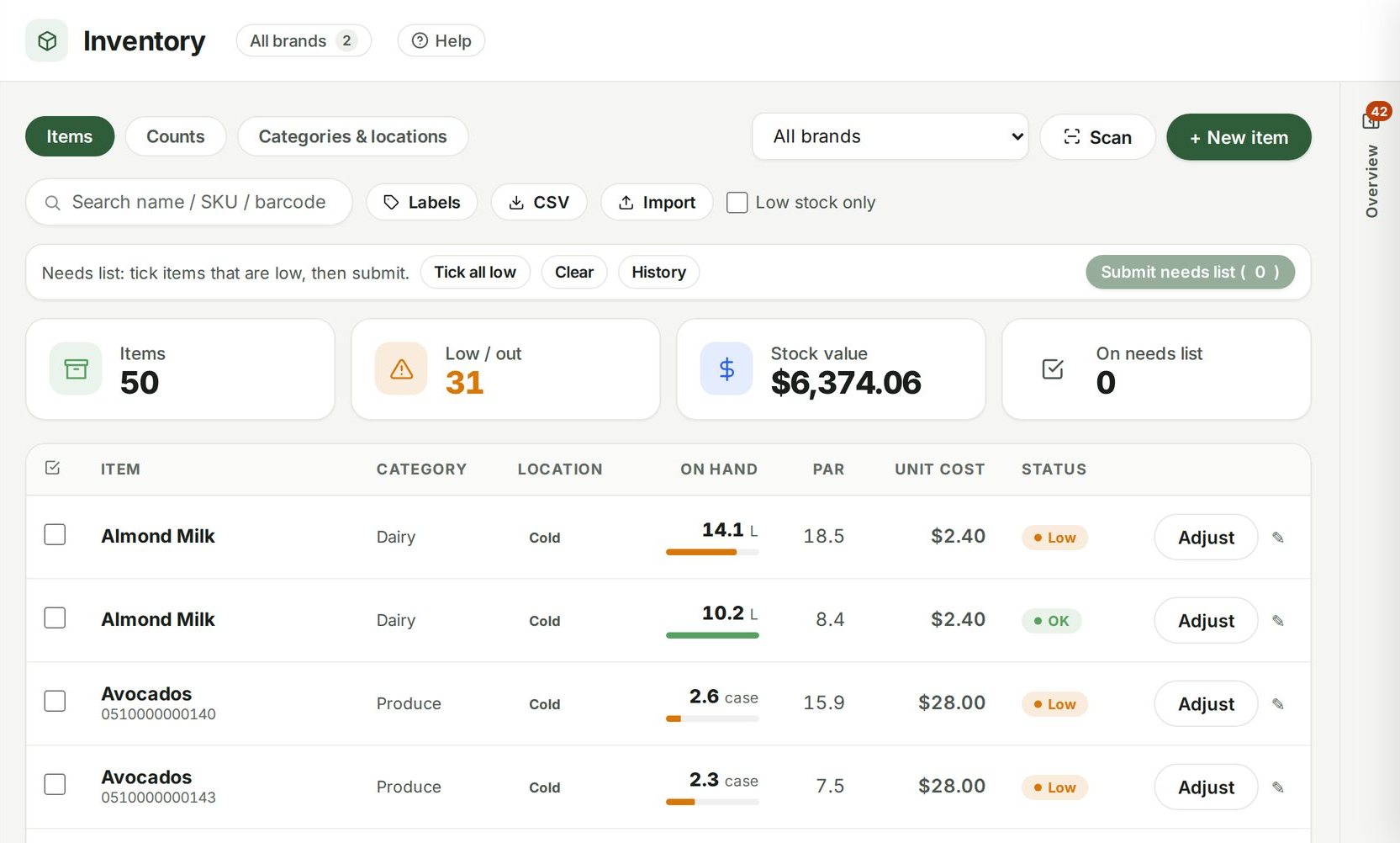
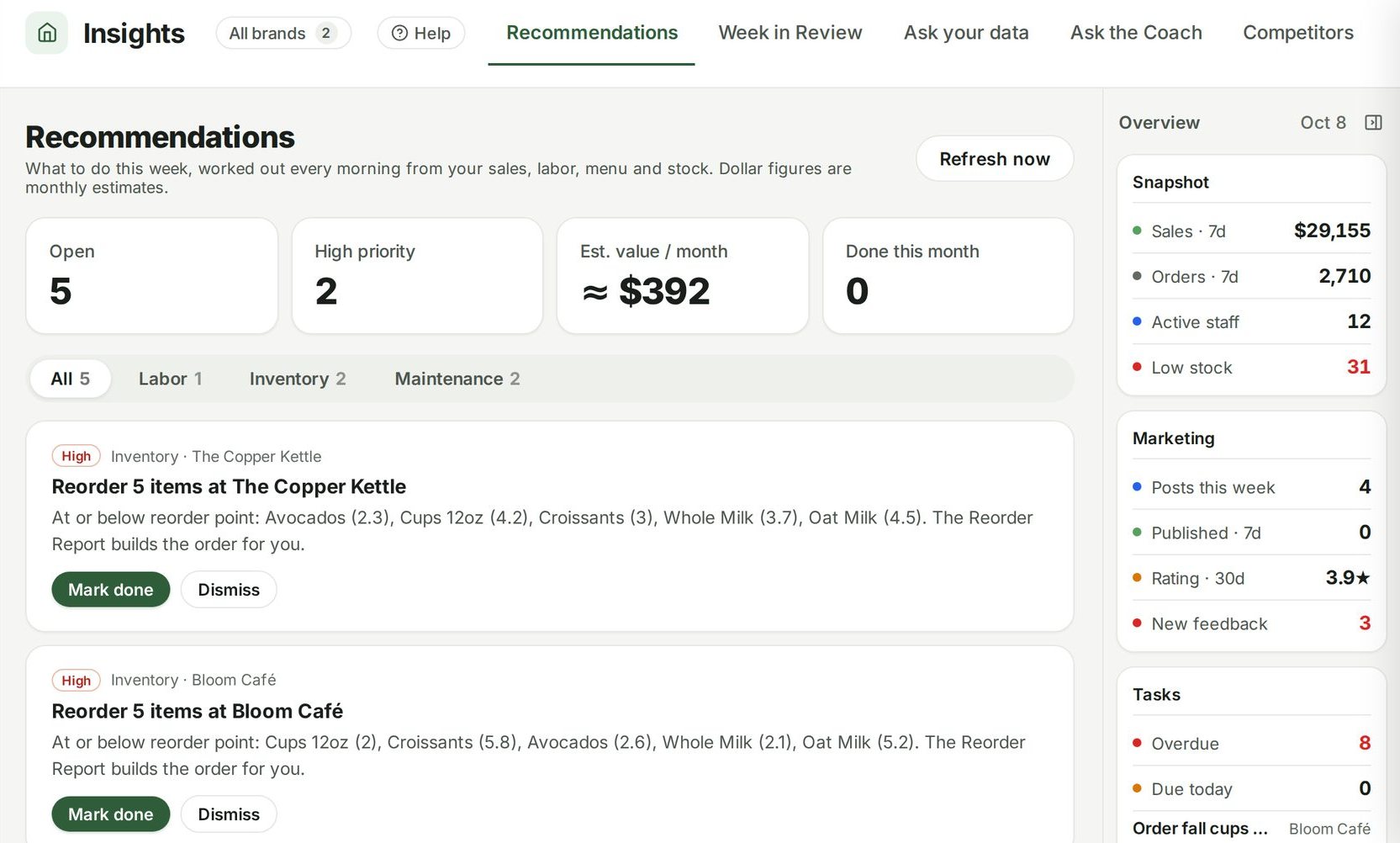
Everything at or below its reorder point, grouped by supplier, with quantities worked out to bring you back to par. One click turns each supplier's list into a draft purchase order.
Guide: Setting par levels and reorder points so the order writes itself

Example data from the demo café in the live product.
The order, already written.
Grouped by supplier
Each supplier's low items sit together, the way you actually place orders — so one list becomes one phone call or one email, not a hunt through the whole inventory.
Quantities to par
For every item at or below its reorder point, the suggested amount is what it takes to get back to par. Change any quantity before it goes anywhere.
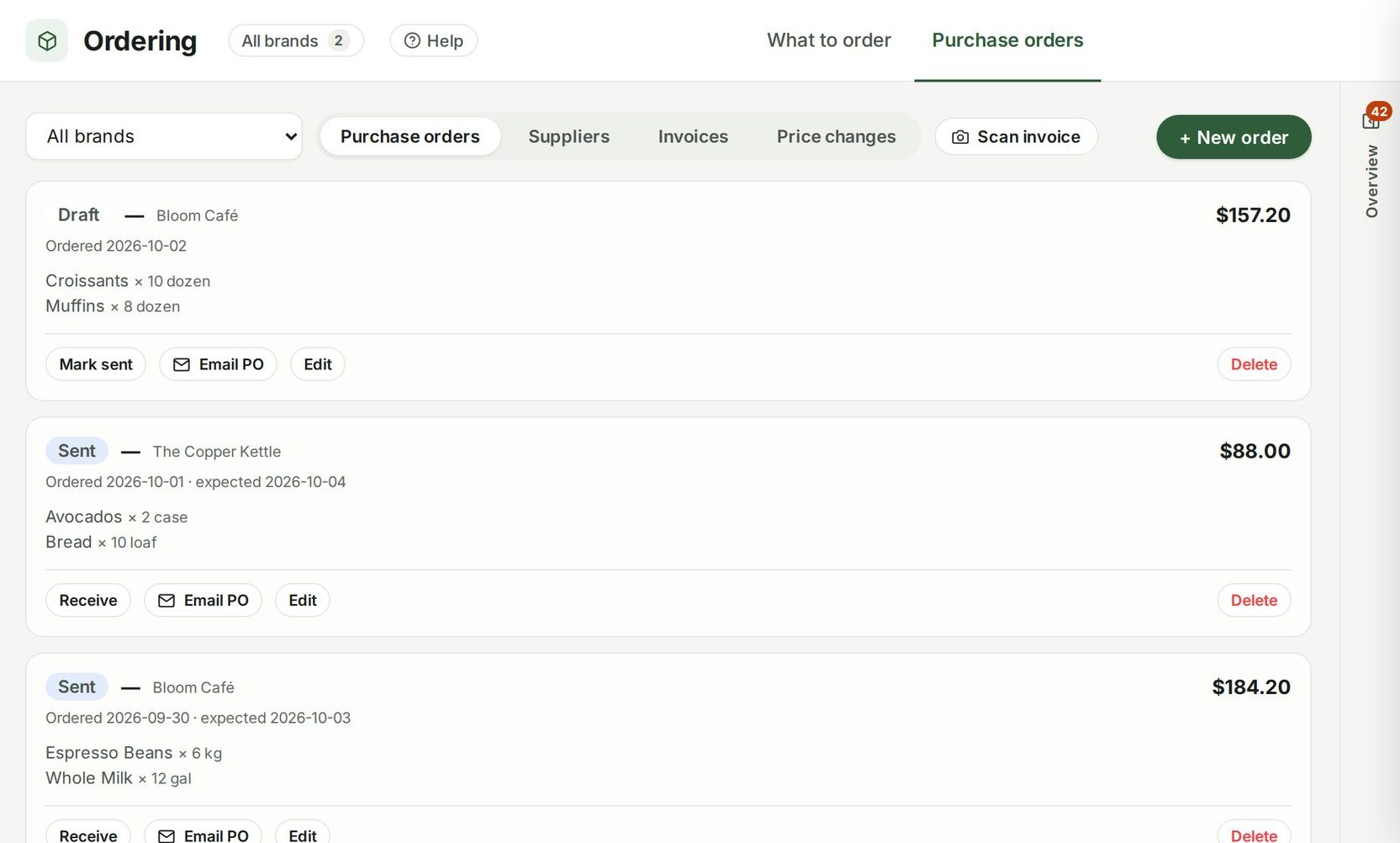
Draft in one click
Turn a supplier's list into a purchase order with the items, quantities and unit costs already filled in. Edit it, then send it from Purchase orders.
Per location
Each location orders against its own counts and its own par levels, so a busy shop doesn't drag a quiet one into over-ordering.
Connected to
Nothing in Ospelia sits on its own. What to order reads from and feeds these.
Good to know
Does it place orders for me?
No — it drafts them. You review, edit and send.
Order what you need, not what you guess.
Included in Operations, from $299 a location a month. Unlimited users. Set up in about fifteen minutes.
7 days free · cancel any time