A prep list that matches today's sales.
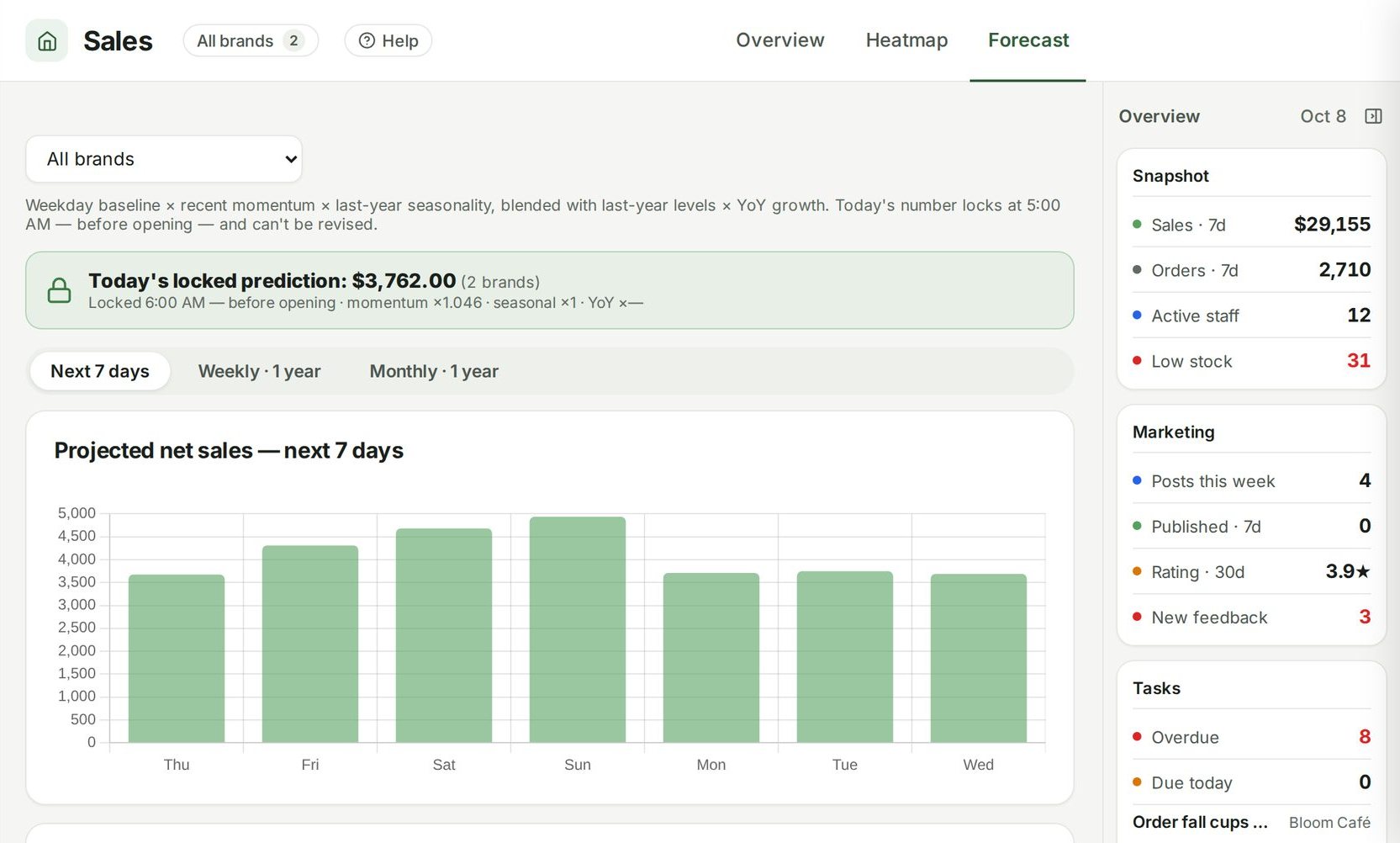
Ospelia forecasts each menu item's sales for the day from your history for that weekday, multiplies through your recipes, and compares expected use with what's on hand — so the list says what to prep and pull.
Guide: How to build a daily prep list from your sales forecast

Example data from the demo café in the live product.
Expected use, from the forecast.
Built from the forecast
For the day you pick, each menu item's expected sales come from your history for that same weekday.
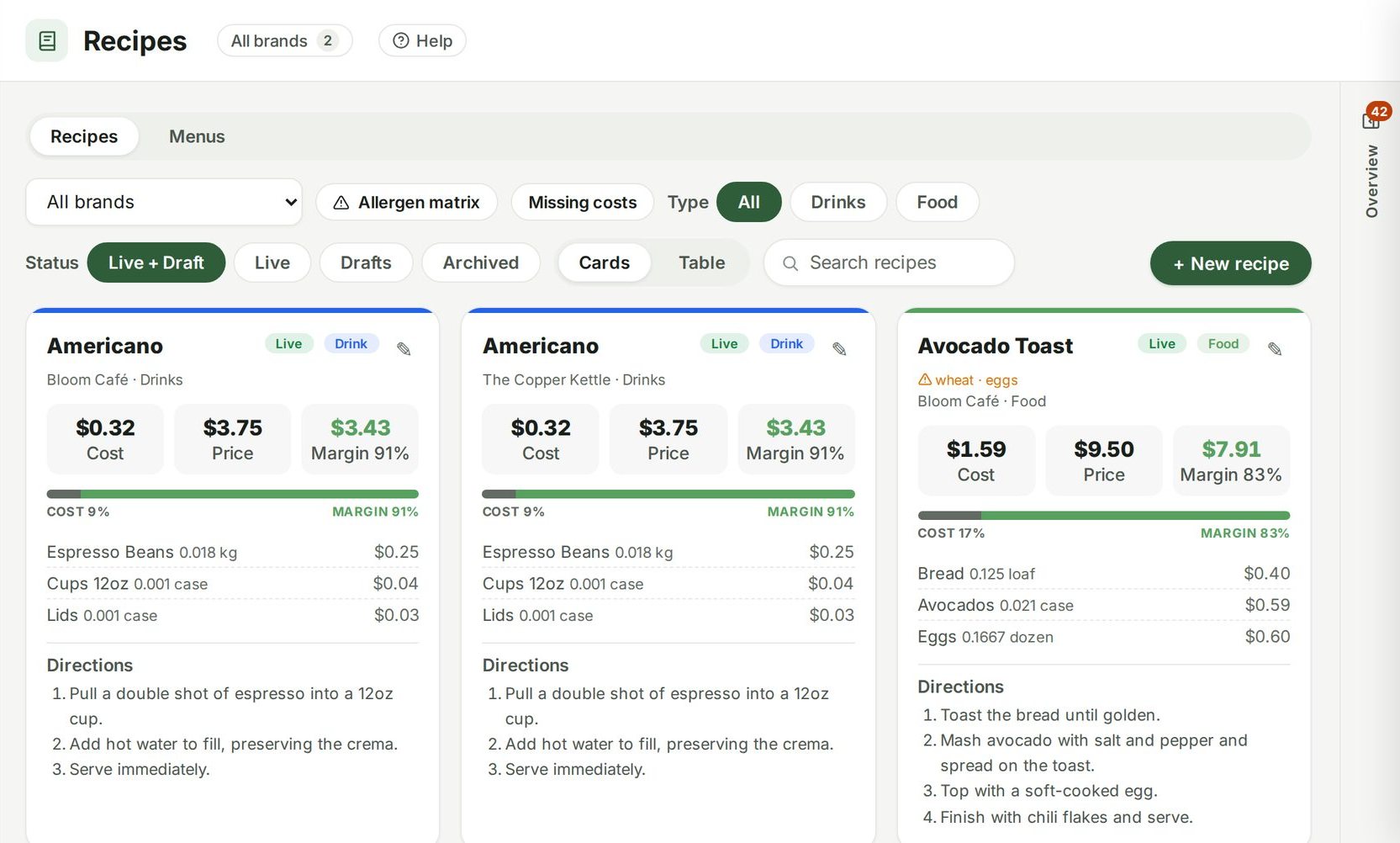
Multiplied through recipes
Expected item sales run through your recipe quantities to give the expected use of every ingredient.
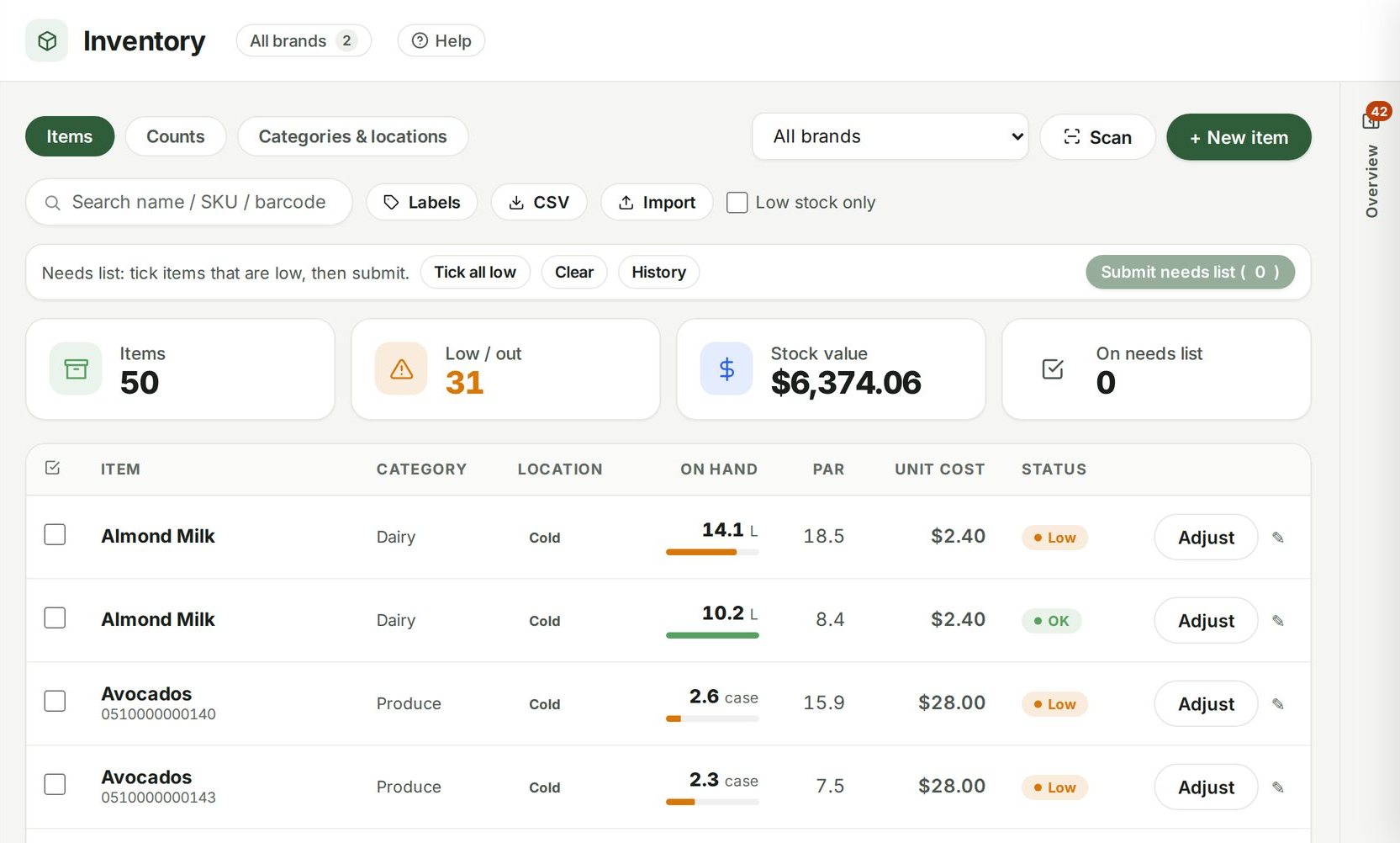
Against what's on hand
Expected use is compared with the current count, so each line says either ‘enough’ or exactly how much to prep and pull.
Printed for the line
One click gives you a clean printable list for the kitchen, grouped so the morning crew can work straight down it.
Connected to
Nothing in Ospelia sits on its own. Prep lists reads from and feeds these.
Good to know
What if an item has no recipe?
Link recipes to POS items in Menu Engineering for the fullest coverage; unlinked items still get a par-level top-up.
Order what you need, not what you guess.
Included in Operations, from $299 a location a month. Unlimited users. Set up in about fifteen minutes.
7 days free · cancel any time