Built for the floor, not just the office.
The whole workspace works on a phone — counts, checklists, shift notes, schedules, approvals — which is where most of your team will use it. Staff can switch the interface to Spanish.
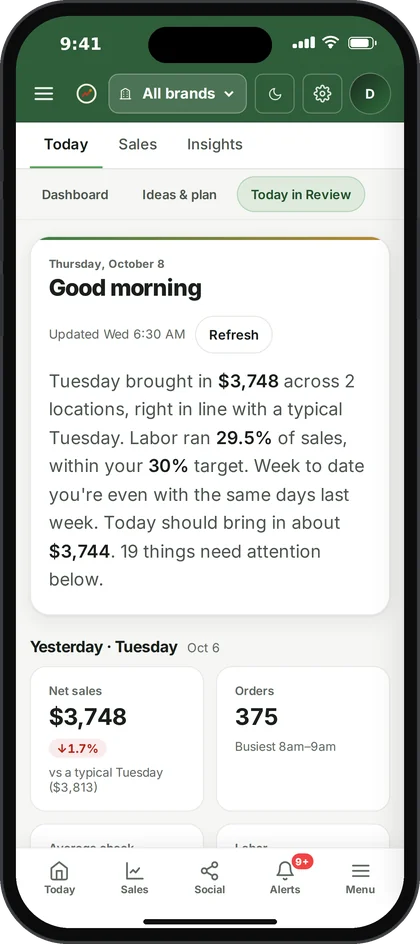
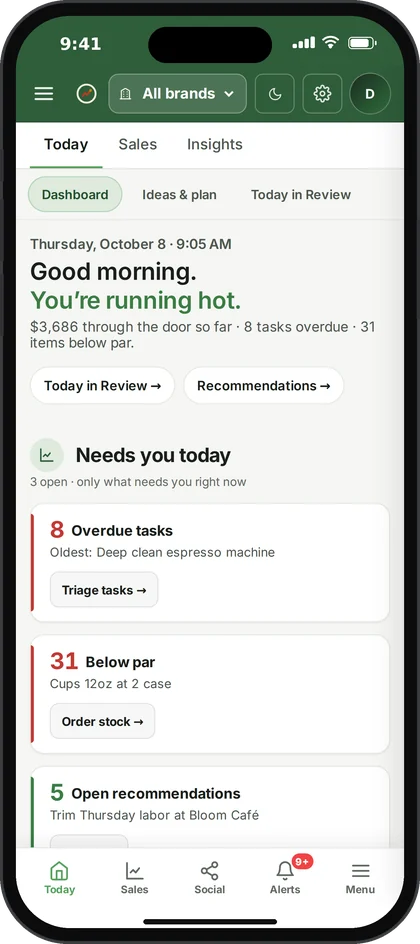
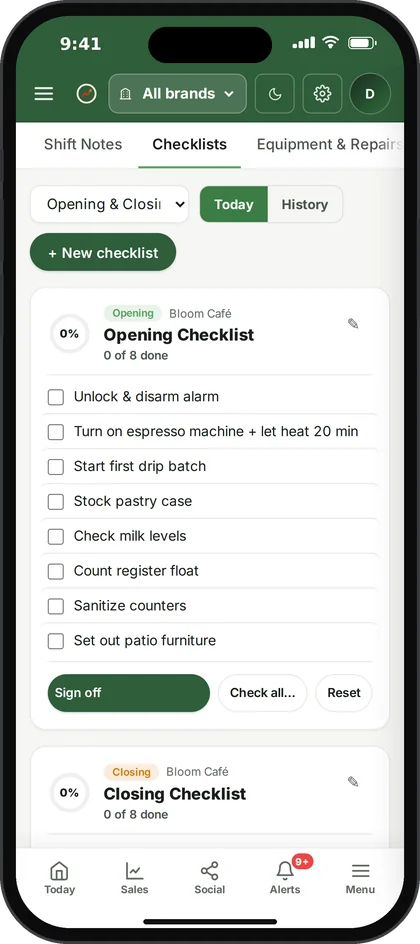
What the floor sees.
The screens people open most on a phone. Everything else in the workspace is one tap away in the menu.
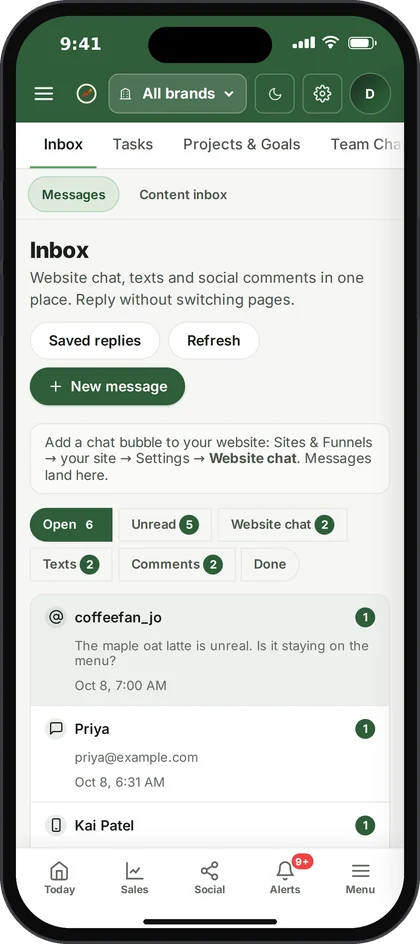
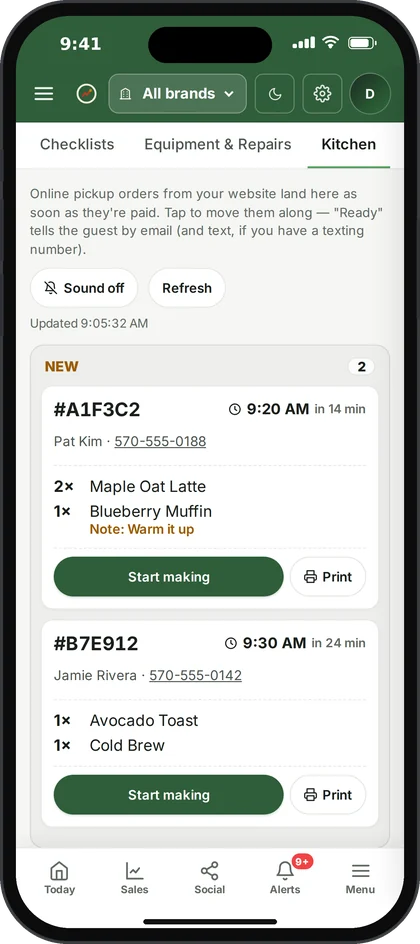
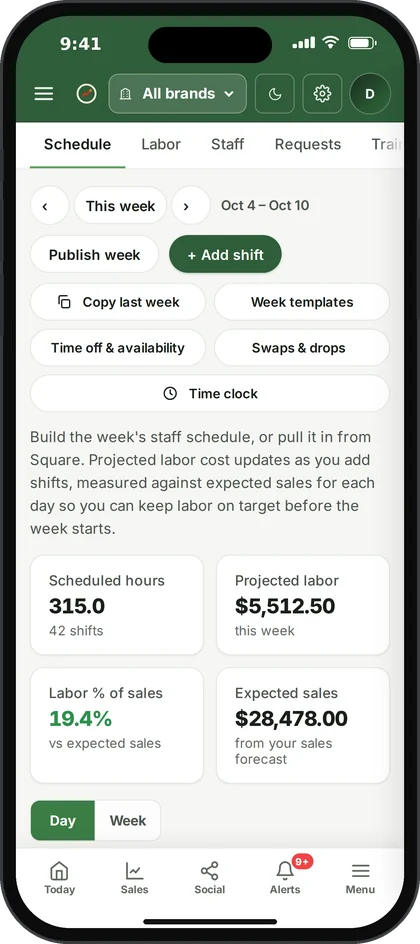
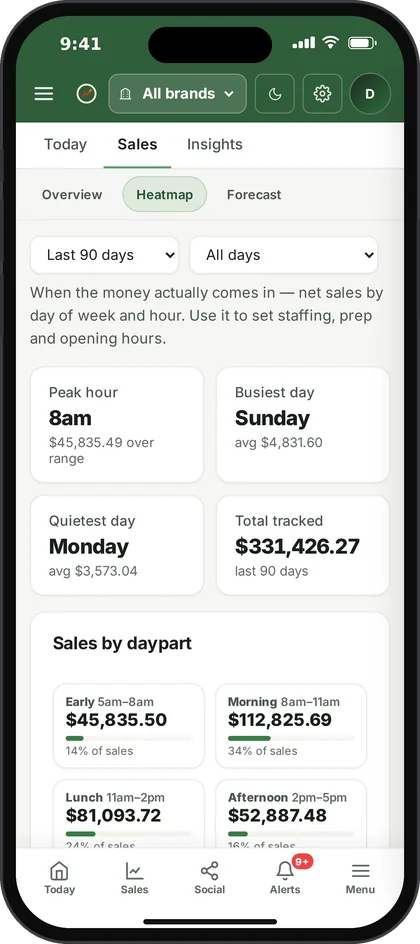
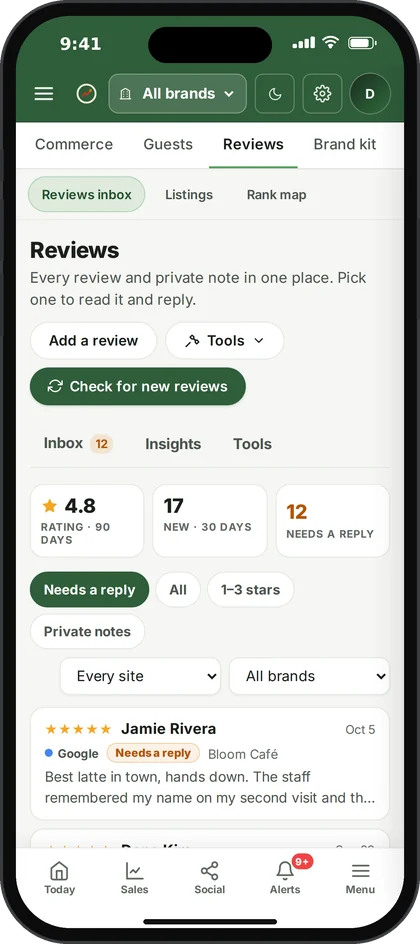
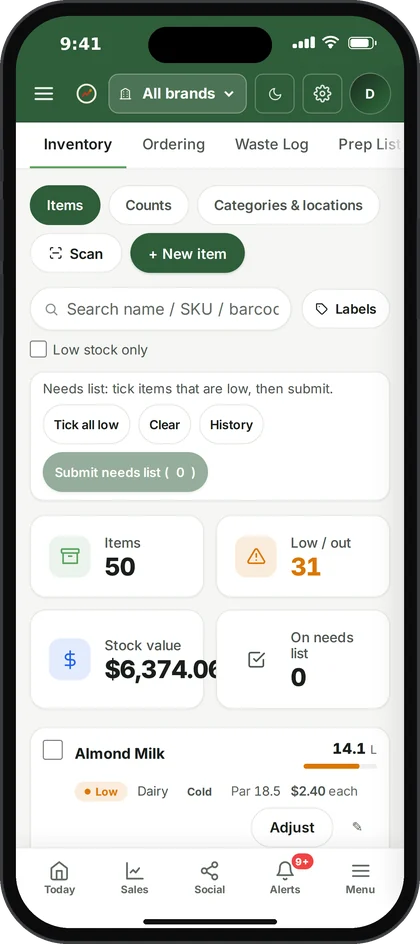
Ospelia on an iPhone · demo data from the live product
What Works on a phone does.
On any phone
Open Ospelia in the phone's browser and add it to the home screen. There's nothing to download.
Made for the floor
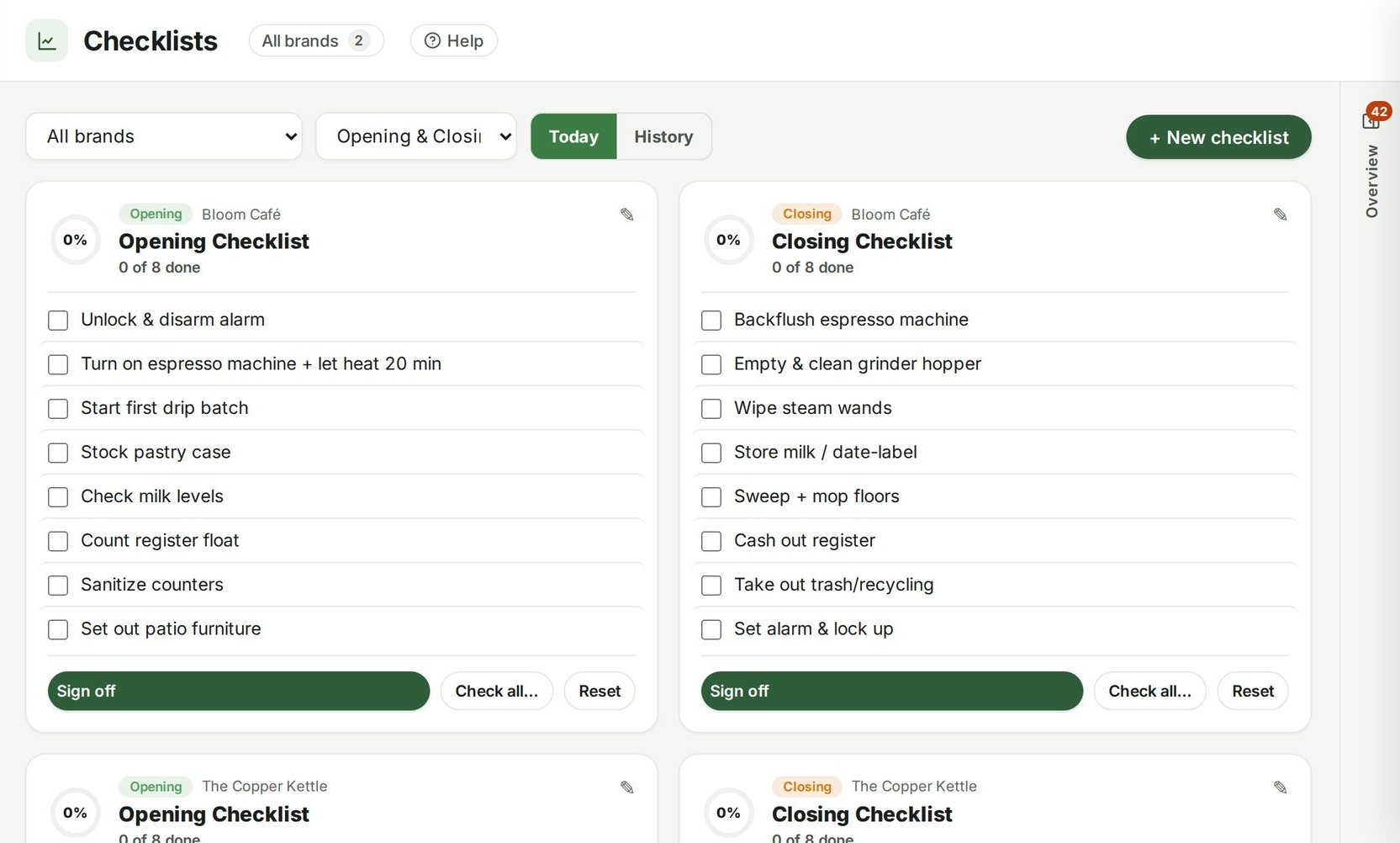
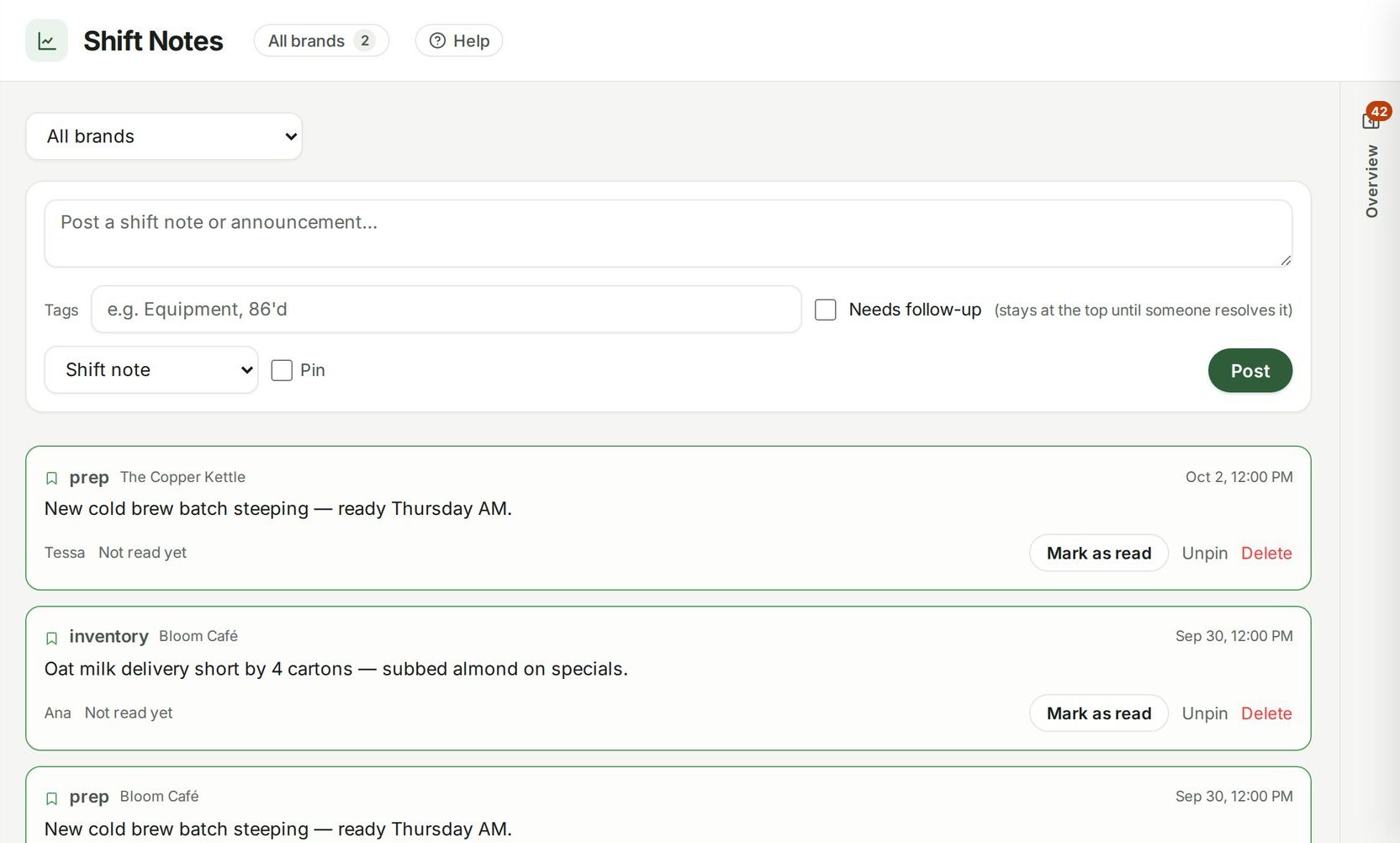
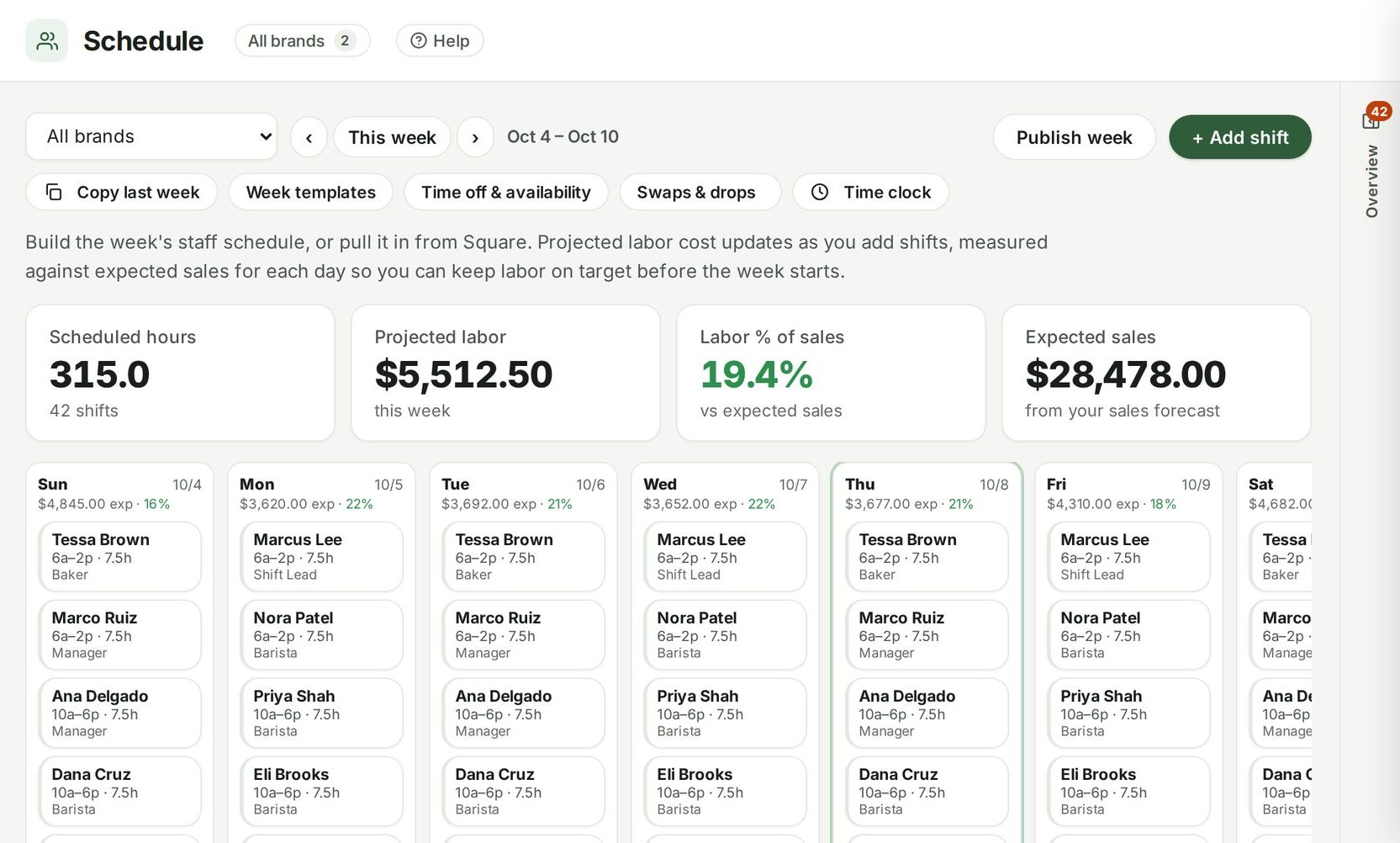
Big touch targets, a bottom bar and the screens staff use most — counts, checklists, shift notes and the schedule.
Español
Staff can switch the interface to Spanish.
Same account
Everything done on a phone shows up on the desktop straight away, and the other way round.
Connected to
Nothing in Ospelia sits on its own. Works on a phone reads from and feeds these.
Good to know
Is there an app store app?
Ospelia runs in the phone's browser today; it can be added to the home screen like an app.
Every location. One login.
Included in every package, from $249 a location a month. Unlimited users. Set up in about fifteen minutes.
7 days free · cancel any time