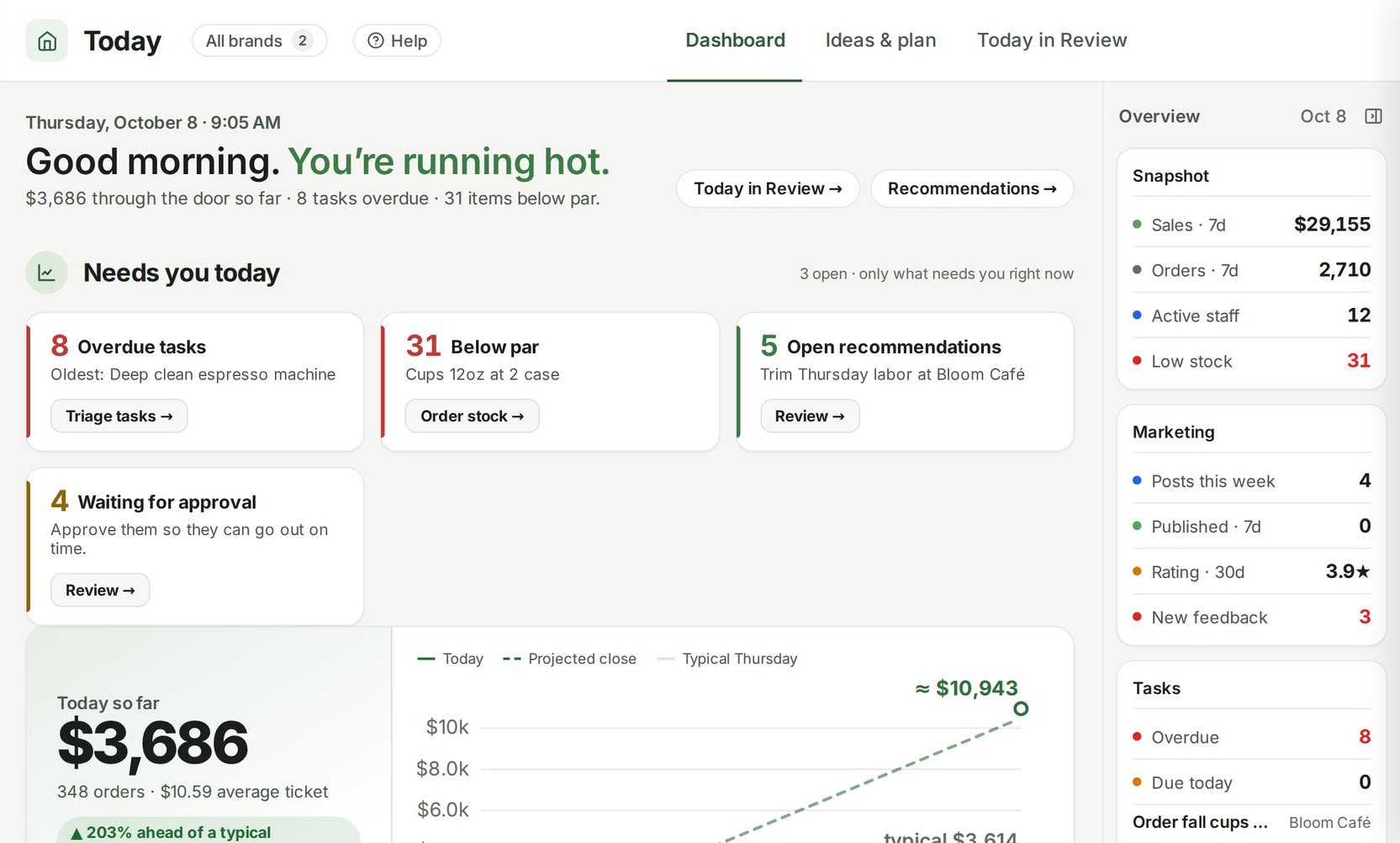
Ordering goes wrong in two directions. Order too little and you run out of oat milk on a Saturday. Order too much and cash sits on the shelf, or in the bin. Par levels and reorder points fix both by turning "what should we order?" into a subtraction anyone can do.
- A par level is the amount of an item you want on hand right after a delivery.
- A reorder point is the level at which you need to order more, so it arrives before you run out.
- The order quantity is whatever brings you back up to par.
Step 1: find average usage
Start with how much of each item you go through in a normal day. The most reliable source is your counts:
Usage for a period = opening count + deliveries − closing count
Average daily usage = usage ÷ days in the period
Example: you counted 20 gallons of whole milk on Monday, received 60 gallons during the week, and counted 24 gallons the next Monday. Usage: 20 + 60 − 24 = 56 gallons over 7 days, or 8 gallons a day.
Use a few weeks if you can, and watch for weekday patterns. If weekends use twice as much, you may want a different par for the weekend delivery.
Step 2: know your delivery rhythm
Two numbers matter:
- Order cycle: how many days between deliveries. If the dairy comes Monday and Thursday, the longest gap is 4 days.
- Lead time: how many days between placing an order and receiving it. If you order Friday for Monday, that's 3 days.
Step 3: choose a safety stock
Safety stock is the cushion for a busier-than-usual day or a late truck. It's a judgment call per item:
- Items you can't run out of, or that are hard to get quickly: more.
- Perishables with a short shelf life: less, because the cushion spoils.
- Items you can buy from a shop down the street in a pinch: less.
A simple way to express it is in days of usage. Example: one extra day of milk is 8 gallons.
Step 4: set the par level
Par level = average daily usage × days in the longest order cycle + safety stock
Example: 8 gallons a day × 4 days + 8 gallons safety stock = 40 gallons.
Check the par against your space. If the walk-in holds 30 gallons of milk, either get more frequent deliveries or accept a lower par and a tighter safety stock.
Step 5: set the reorder point
Reorder point = average daily usage × lead time in days + safety stock
Example: 8 gallons a day × 3 days + 8 gallons = 32 gallons. When the count drops to 32 or below, it's time to order.
If you order on a fixed schedule instead ("every Friday"), the reorder point is less important. You simply order up to par every time. It still helps for items that come from suppliers you order from whenever you need to.
Step 6: the order writes itself
Order quantity = par level − on hand
Then round to the pack size the supplier sells.
Example: Friday's count shows 14 gallons of milk. That's below the 32-gallon reorder point, so it goes on the order: 40 − 14 = 26 gallons. Milk comes in 4-gallon cases, so order 7 cases (28 gallons).
Here's the same logic across one supplier:
| Item | Par | Reorder point | On hand | Order | Pack | Cases |
|---|---|---|---|---|---|---|
| Whole milk | 40 gal | 32 gal | 14 gal | 26 gal | 4 gal | 7 |
| Oat milk | 24 cartons | 18 cartons | 20 cartons | — | 12 cartons | 0 |
| Heavy cream | 12 qt | 8 qt | 5 qt | 7 qt | 6 qt | 2 |
Oat milk is above its reorder point, so it waits for the next order. Everything else is ordered back to par.
Keeping pars honest
Pars aren't set-and-forget.
- Review them when the menu changes. A new drink that uses oat milk changes its usage overnight.
- Review them seasonally. Iced drinks in summer, soups in winter.
- Watch the waste log. If an item is regularly thrown out, its par is too high or its shelf life too short for your order cycle.
- Watch for stockouts. If you run out before the truck, raise the safety stock or the par.
- Set them per location. A busy shop and a quiet one shouldn't share a par.
Make counting easy
The whole system depends on accurate counts. Organize the count sheet in the order things sit on the shelves (walk-in, dry storage, front bar) so counting is one walk, not five. Count at the same point in the day each time, before a delivery is put away, so numbers are comparable.
How Ospelia does it
In Ospelia's Inventory, every item has its on-hand count, par level, unit cost and status, organized by category and storage location. You set the level each location should hold, and anything under it is flagged low. Counting happens on a phone: search, scan a barcode, adjust, and the count and stock value update instantly. Staff can tick low items into a needs list for a manager.
What to order lists everything at or below its reorder point, grouped by supplier, with the suggested amount being what it takes to get back to par. You can change any quantity, and it doesn't place orders for you: one click turns a supplier's list into a draft purchase order, which you review, edit and send.
Purchase orders emails the order to the supplier with the order date and the date you expect it, and lets you mark it received when the delivery arrives.