A prep list answers one question each morning: how much of each thing does the kitchen need to make before service? Most kitchens answer it from memory or from yesterday's list. That works until the day is busier or quieter than usual. Then you either run out of the thing people want or throw away what nobody ordered.
A forecast-based prep list replaces the guess with arithmetic. It takes four steps: forecast how many of each item you'll sell, turn items into ingredients using your recipes, subtract what's already made, and round to the batch sizes you actually cook in.
Step 1: forecast each menu item for the day
The simplest forecast that works is the average of the same weekday over recent weeks. Tuesdays are like other Tuesdays more than they're like Saturdays.
Item forecast = average sold on the same weekday over the last few weeks
Example: on the last four Wednesdays, a café sold 42, 38, 45 and 35 breakfast burritos. The average is (42 + 38 + 45 + 35) ÷ 4 = 40.
Adjust for what you know that the history doesn't:
- Events and weather. A catering pickup, a local event or a forecast of rain changes the day. Add catering orders on top of the forecast, not inside it.
- Trends. If the last two weeks are clearly up or down on the two before, lean toward the recent ones.
- Holidays. Compare with the same holiday last year rather than an ordinary weekday.
Use enough weeks that one odd day doesn't swing the result, but not so many that last season's menu drags it around. Four to eight weeks is a practical window for most items, but look at your own history and pick what's stable.
Step 2: turn items into ingredients
Multiply each item's forecast by the quantity of each prepped ingredient in its recipe.
Expected use of an ingredient = sum over items of (item forecast × quantity per portion)
Example: each burrito uses 120 g of scrambled egg and 80 g of roasted potatoes. The breakfast bowl uses 150 g of roasted potatoes. The forecast is 40 burritos and 20 bowls.
- Scrambled egg: 40 × 120 g = 4,800 g
- Roasted potatoes: (40 × 80 g) + (20 × 150 g) = 3,200 + 3,000 = 6,200 g
This step is why costed, measured recipes matter. "A handful of potatoes" can't be multiplied.
Step 3: subtract what's on hand
Check what's already prepped and still good to use.
To prep = expected use + buffer − usable on hand
Example: there's 1,000 g of roasted potatoes left from yesterday that's still within its hold time, and no scrambled egg. With no buffer yet:
- Roasted potatoes to prep: 6,200 − 1,000 = 5,200 g
- Scrambled egg to prep: 4,800 − 0 = 4,800 g
Step 4: add a buffer and round to batches
A forecast is an average, so on half of days you'll sell more than it. A small buffer keeps you from running out. Set it by item:
- Long shelf life, cheap, quick to make more: small or no buffer.
- Signature items you can't run out of: a bigger one.
- Short hold time or expensive: small buffer, and a plan for a second batch mid-service.
Then round up to the way you actually cook. If potatoes are roasted by the full sheet tray at 2,000 g, 5,200 g is three trays. If eggs are scrambled in 1,000 g batches, add one batch as buffer and make six batches.
The finished list
Example: the morning list for that Wednesday.
| Item | Expected use | On hand | Buffer | To prep | Batches |
|---|---|---|---|---|---|
| Scrambled egg | 4,800 g | 0 g | 1,000 g | 5,800 g | 6 × 1,000 g |
| Roasted potatoes | 6,200 g | 1,000 g | 0 g | 5,200 g | 3 trays |
Group the list the way the kitchen works: by station, or by what needs to start first. Print it or put it on a screen where the morning crew can work straight down it.
Close the loop
The list gets better when you check it.
- Log what's left at close and what got thrown out. If an item is always left over, lower its buffer. If it runs out by noon, raise it.
- Compare the forecast with what actually sold. If the forecast is consistently high or low on one weekday, that's a pattern to adjust for.
- Update recipes when portions change. The list is only as accurate as the quantities behind it.
How Ospelia does it
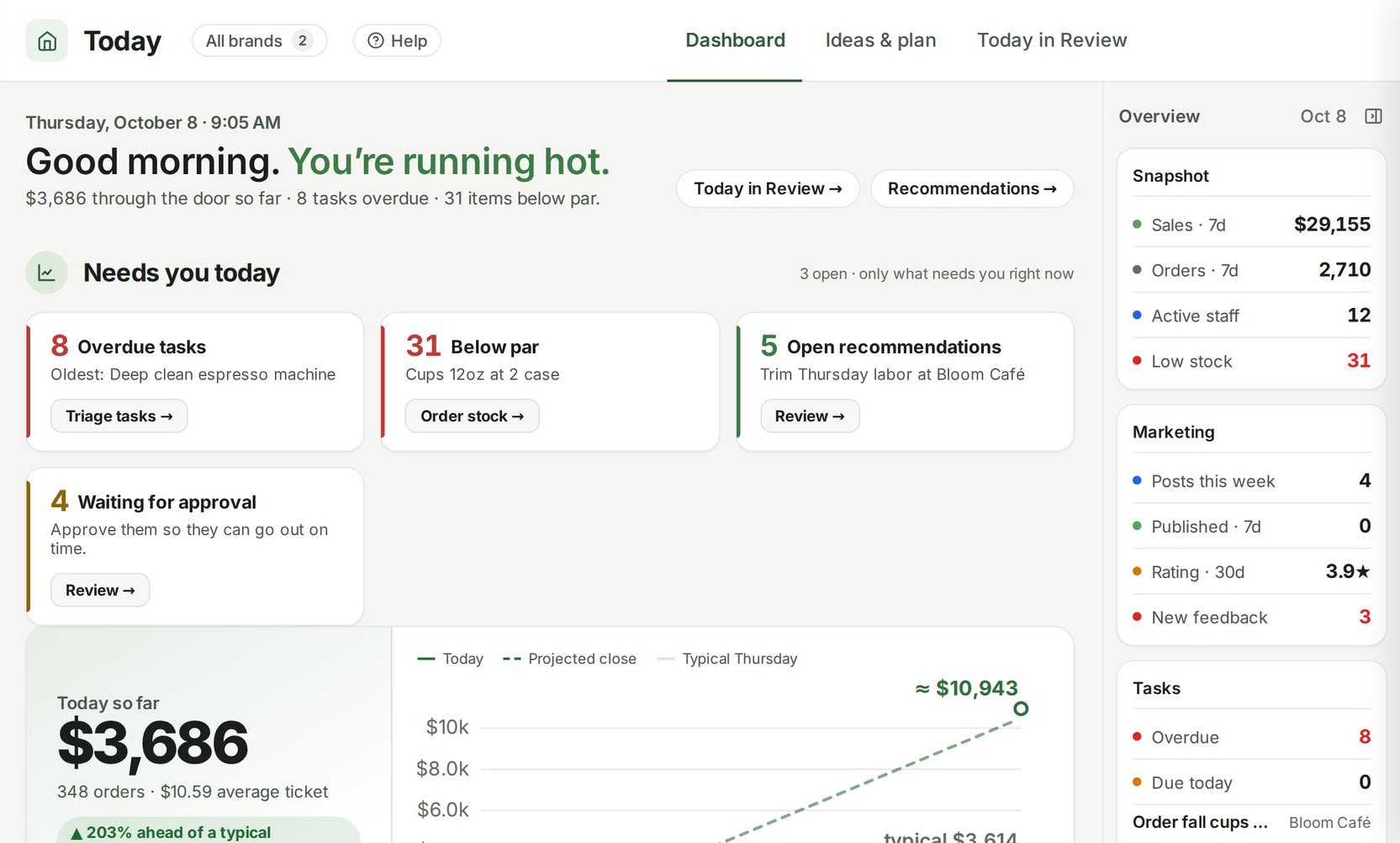
Ospelia's Prep lists do these steps for you. For the day you pick, each menu item's expected sales come from your history for that same weekday. Expected sales run through your recipe quantities to give the expected use of every ingredient, and expected use is compared with the current count, so each line says either "enough" or exactly how much to prep and pull. One click prints a clean list for the kitchen. Items without a recipe still get a par-level top-up; linking recipes to POS items in Menu Engineering gives the fullest coverage.
The Sales forecast behind it is built from your own history, recent momentum and last year's seasonality. Each morning's prediction locks before you open and is scored against what actually happened, so you can see its accuracy and bias on the page.