Every location compared, in one login.
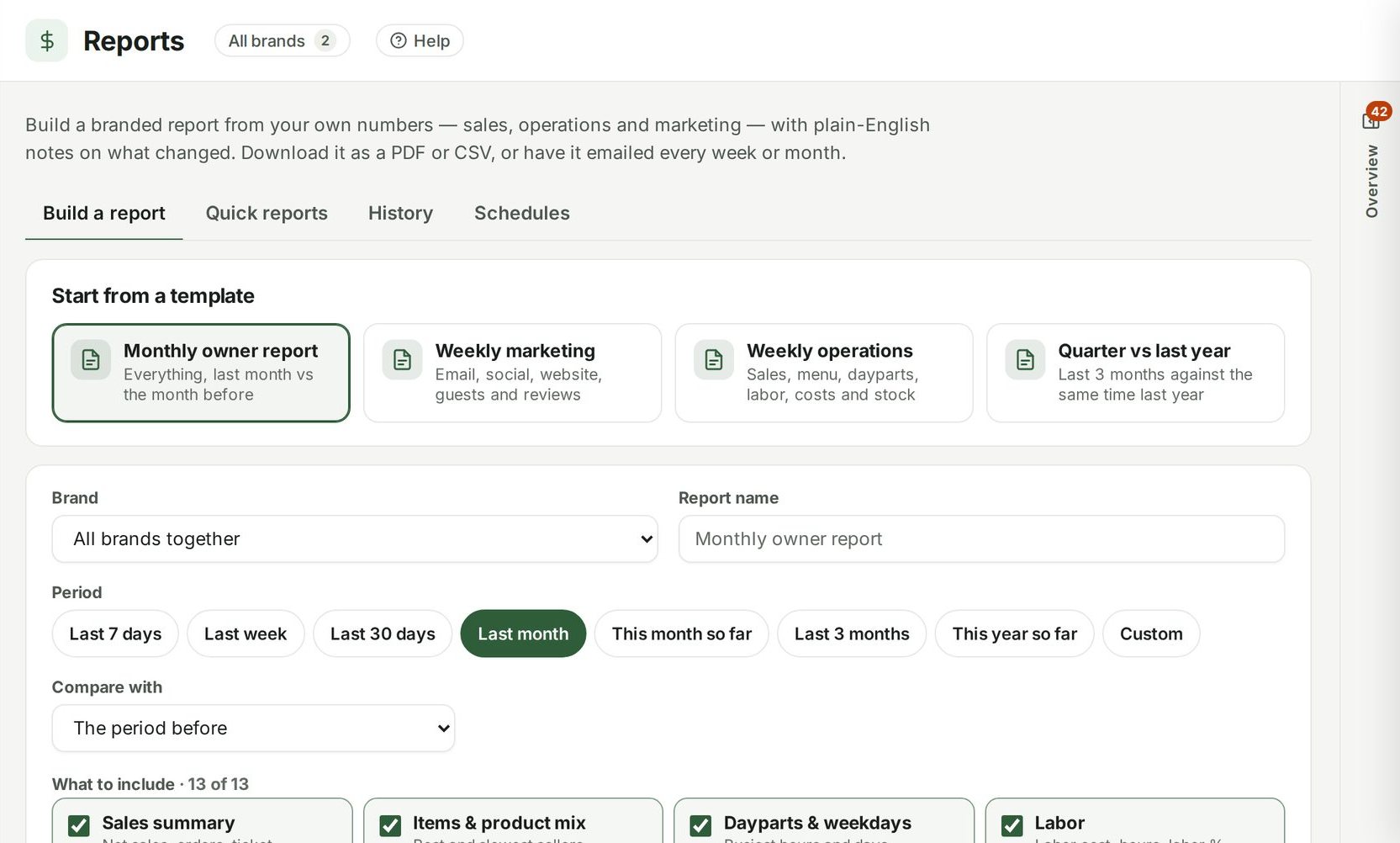
Each location keeps its own numbers, team and menu in its own local time. Roll them up, compare them side by side, and give each manager a login that only shows their shop.

A week with Ospelia.
- Monday
Compare last week, location by location
Net sales, orders, average check, labor percent and labor cost against the week before, the best and slowest days, and a day-by-day chart — for every week you've been open.
Week in Review →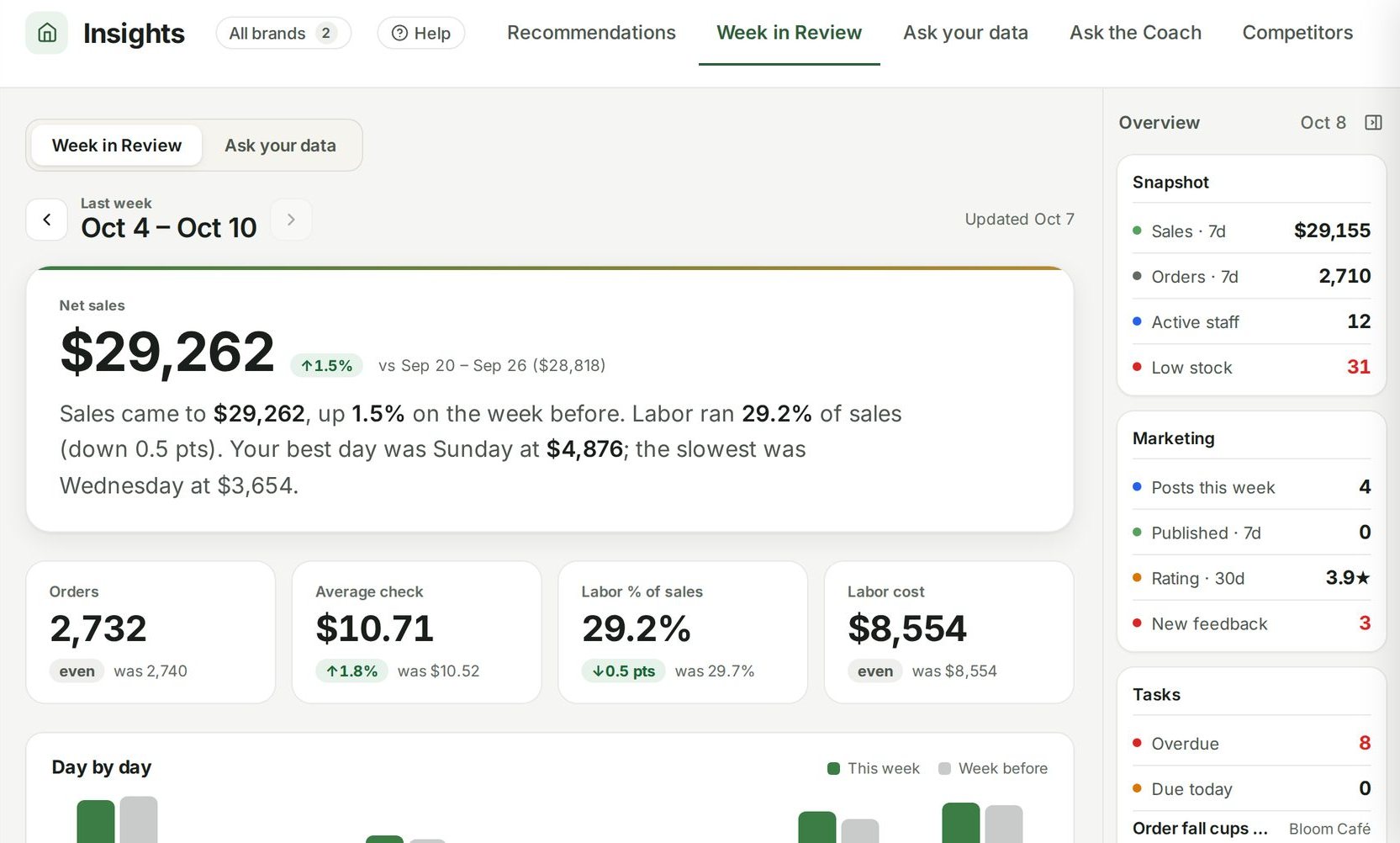
- Every day
Each manager sees only their shop
Build reusable permission levels and assign one to each staff member — or start from prebuilt templates for managers, shift leads, baristas, kitchen, marketing and read-only viewers.
Roles & permissions →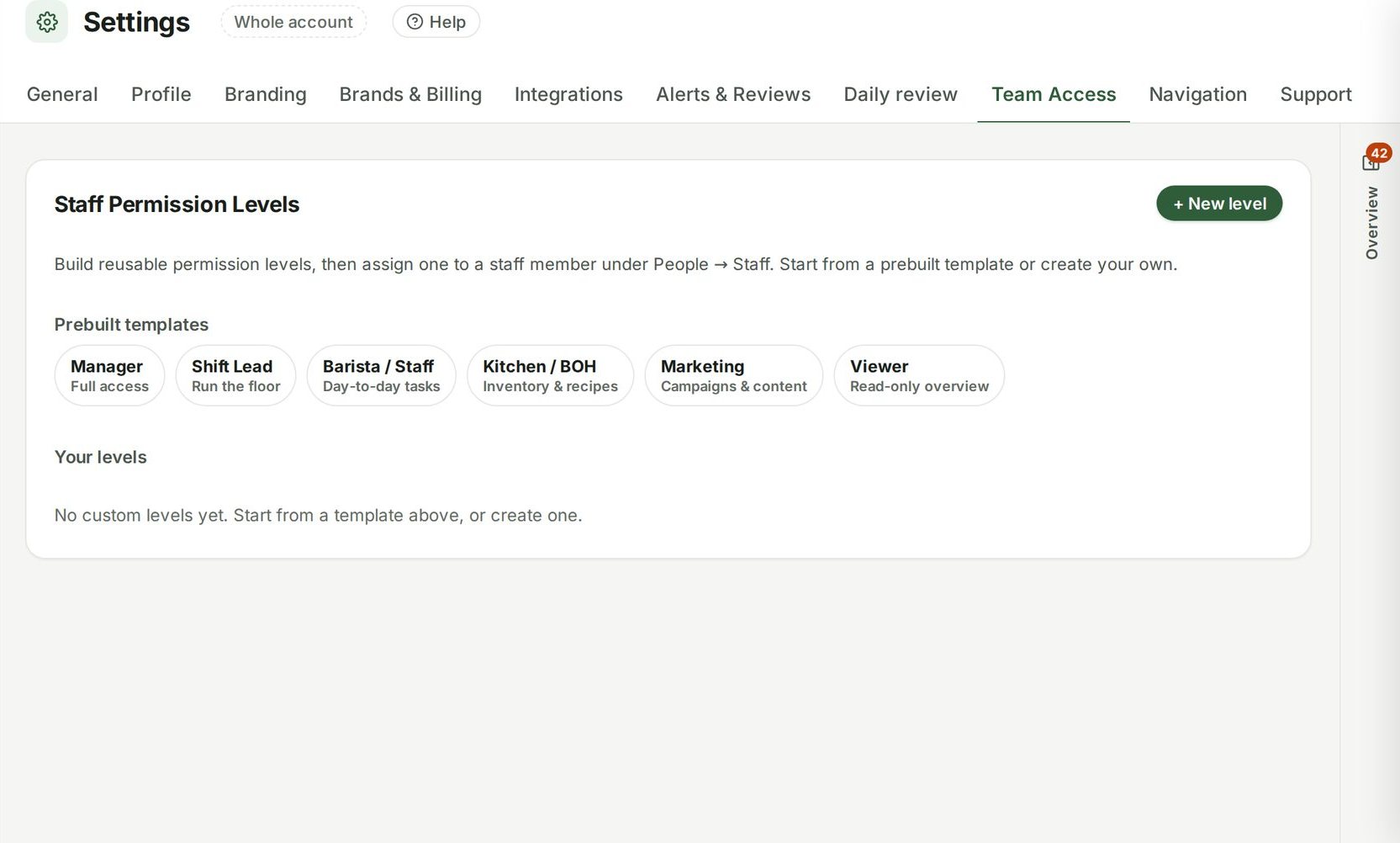
- Month end
Prime cost for every location
Revenue from the POS, labor from timecards, food cost from your stock counts and purchases (or your food-cost target until you count), and every recurring bill normalized to a monthly figure — added up into a P&L you can read any day of the month.
P&L & prime cost →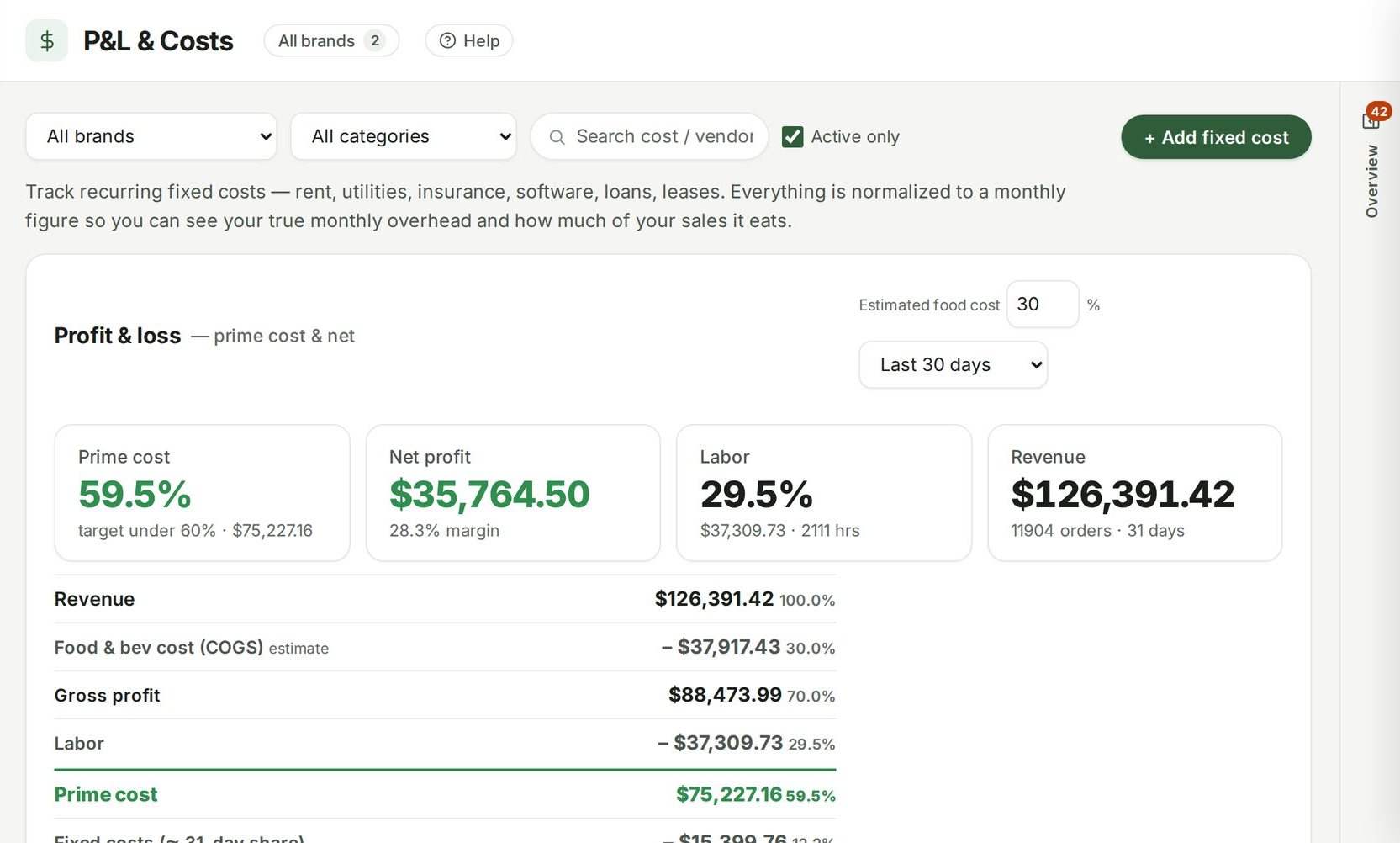
- Any time
One login for the whole group
Each location has its own sales, schedule, stock, menu, team and targets, in its own local time. Roll them up when you want the group view, compare them side by side, or hand a manager a login that only shows their shop.
Multi-location →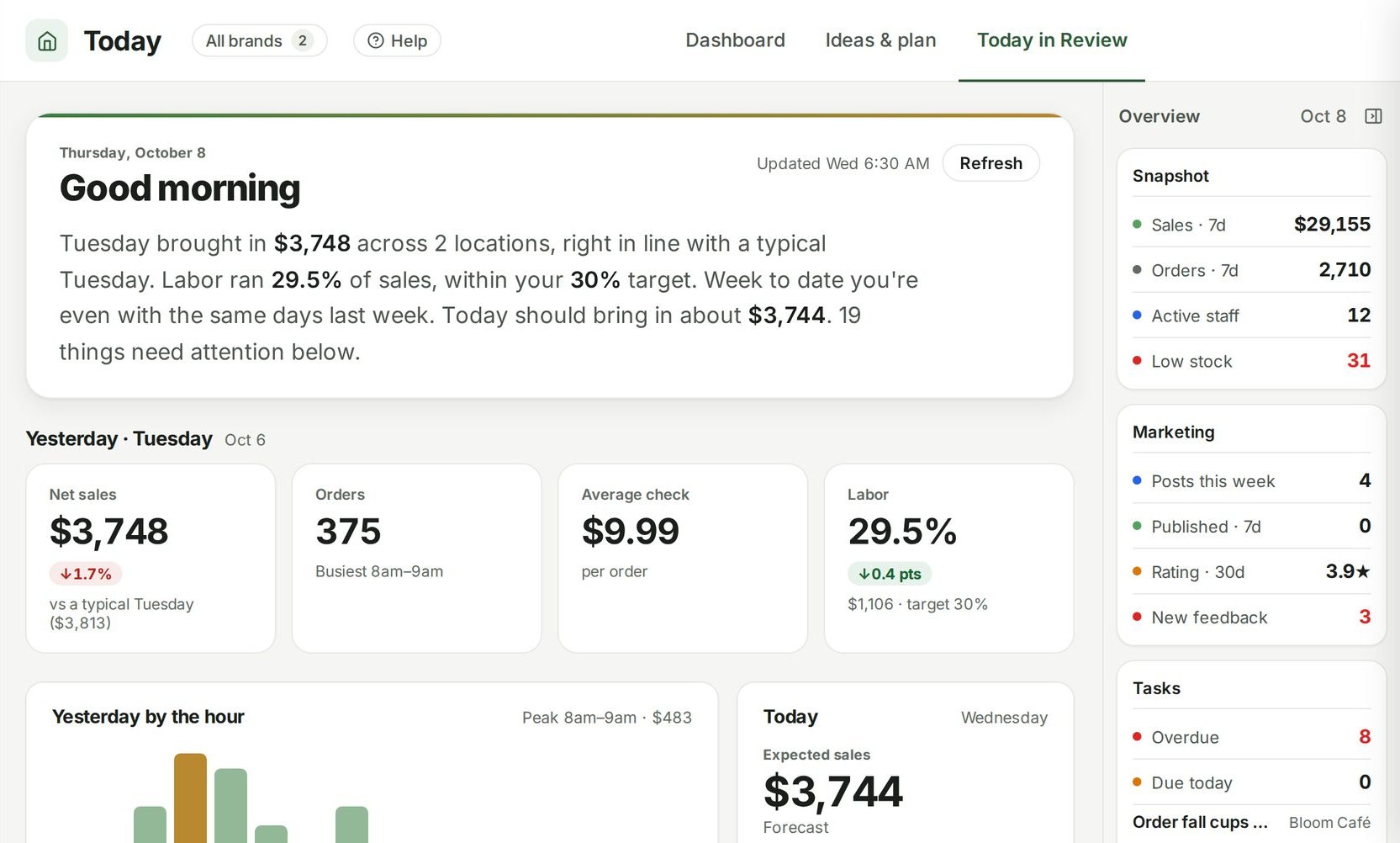
Also for multi-location groups
Run the whole restaurant from one place.
Unlimited users, from $249 a location a month. Set up in about fifteen minutes.
7 days free · cancel any time