Every channel, next to the sales it moved.
Plan the calendar, approve the posts and emails, watch ad spend and reviews — in the same place the revenue shows up, so you can tell what worked.

A week with Ospelia.
- Monday
Plan the week on one calendar
Social posts, emails, texts, campaigns and events on one calendar, with food and drink holidays and your own local days. Drag to reschedule, filter by channel and brand, and add a post or an email to any day.
Marketing calendar →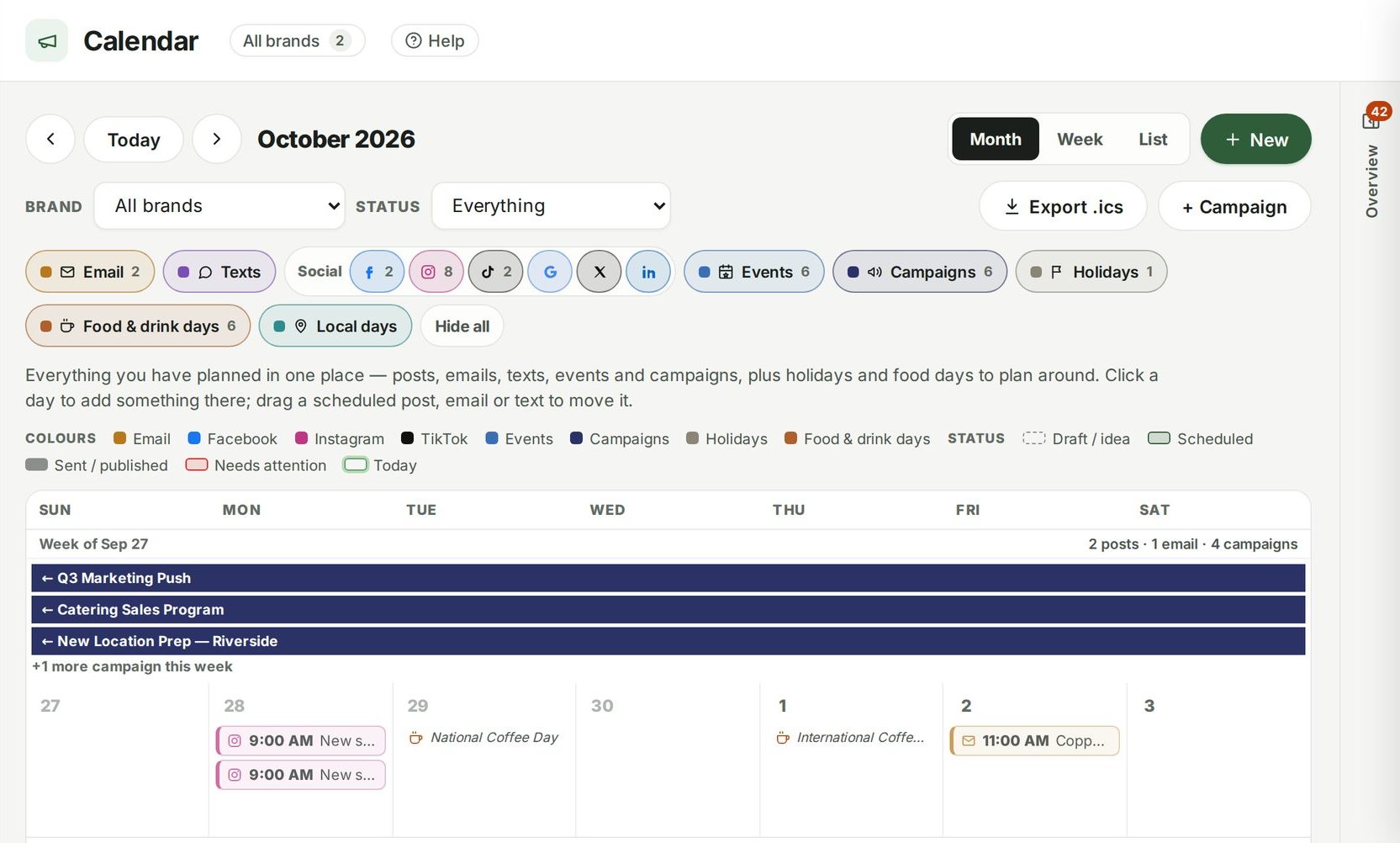
- Tuesday
Approve the posts before they go out
A content plan for every location. Write one post for several networks, change the caption or photos for any one of them, and see its status on each — with an approval step so nothing publishes before you've seen it.
Social media →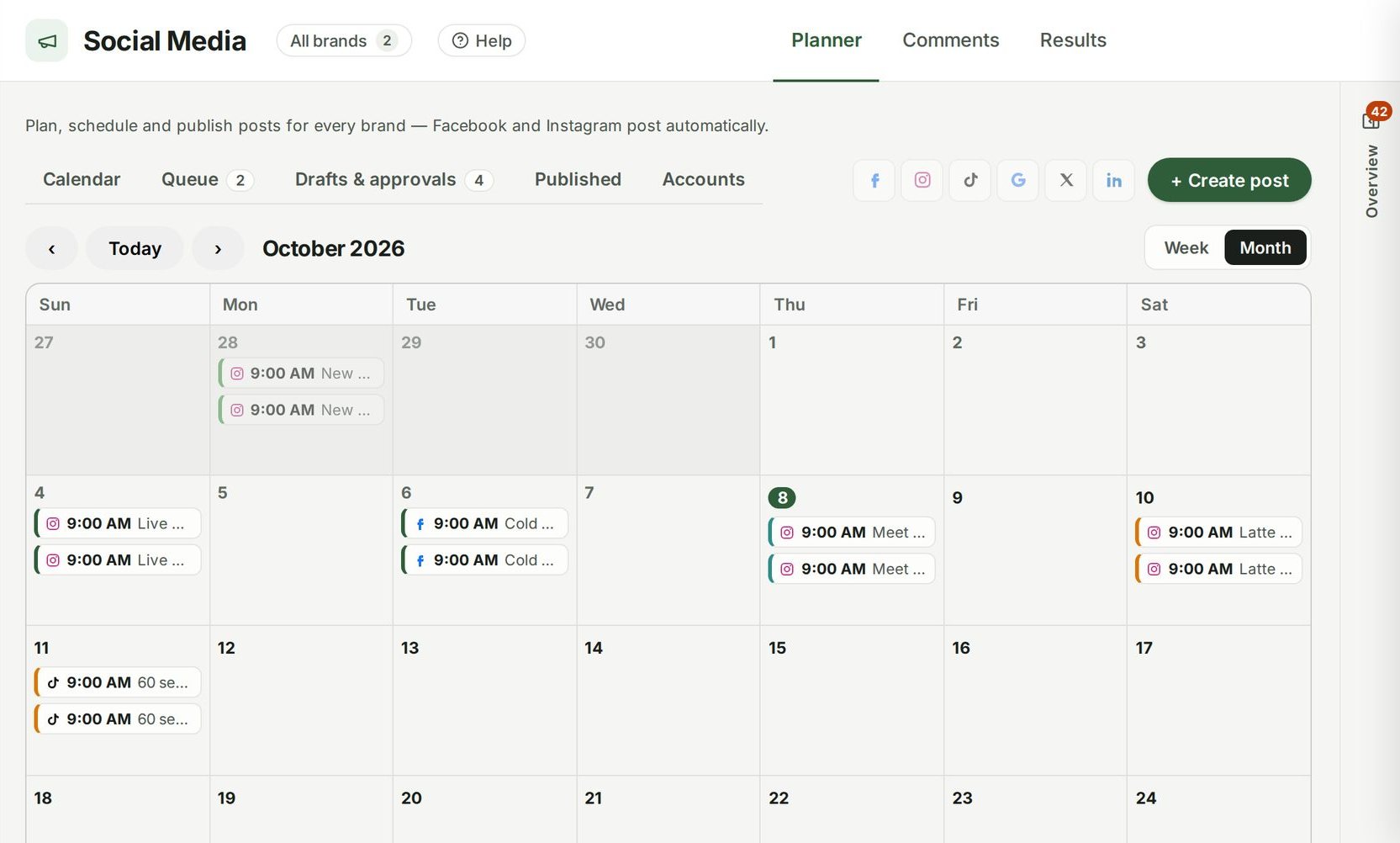
- Every day
Answer the low reviews first
Private feedback and online reviews in one inbox, with what needs a reply, AI reply drafts and the themes guests talk about — plus review requests every guest gets, and a listings check for Google, Apple Maps, Yelp and more.
Reviews & feedback →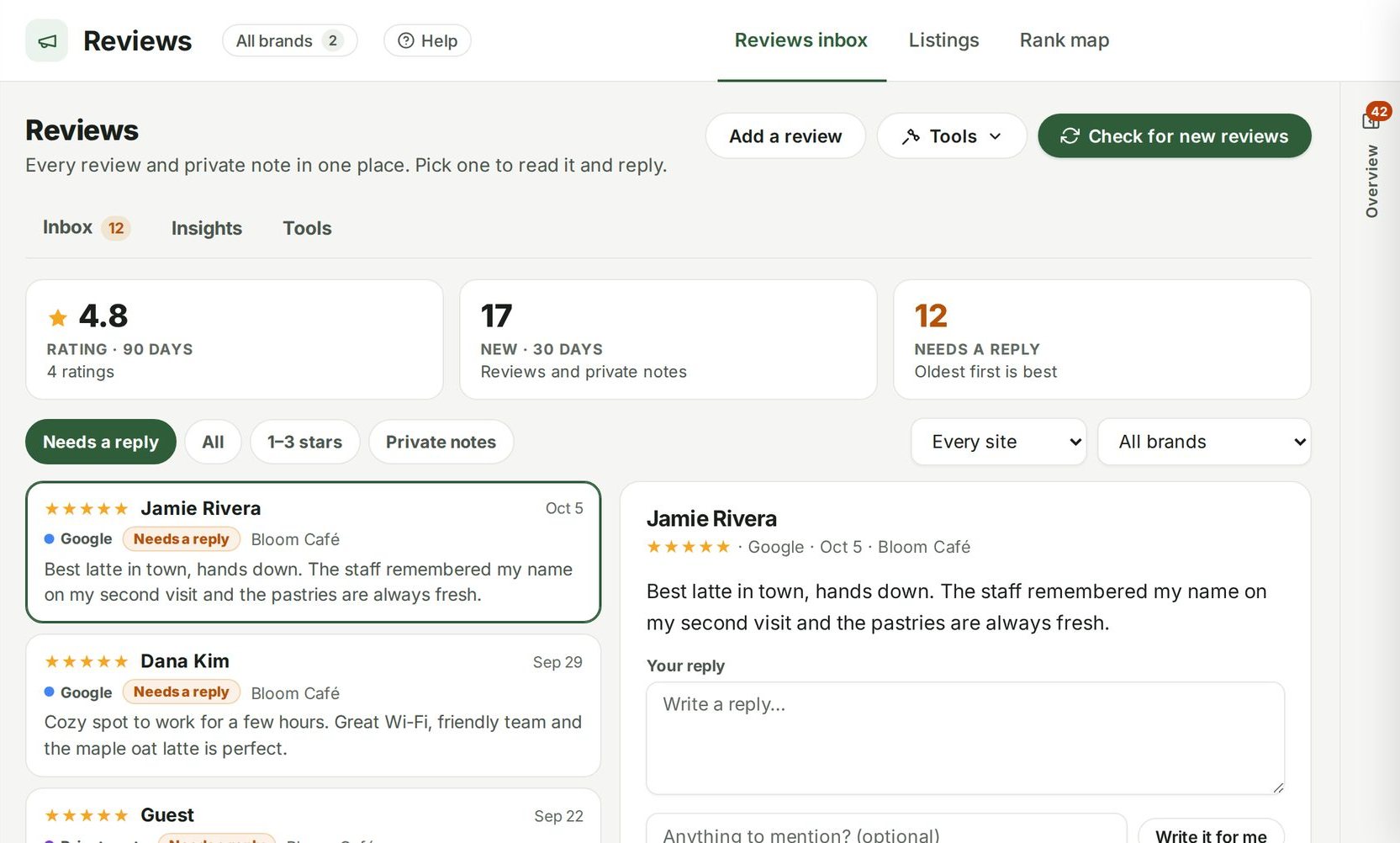
- Month end
Hold ad spend up against sales
Connect Meta ad accounts and see spend, impressions, clicks, click-through and conversions per location for the last 28 days, with ad plans for what's next.
Advertising →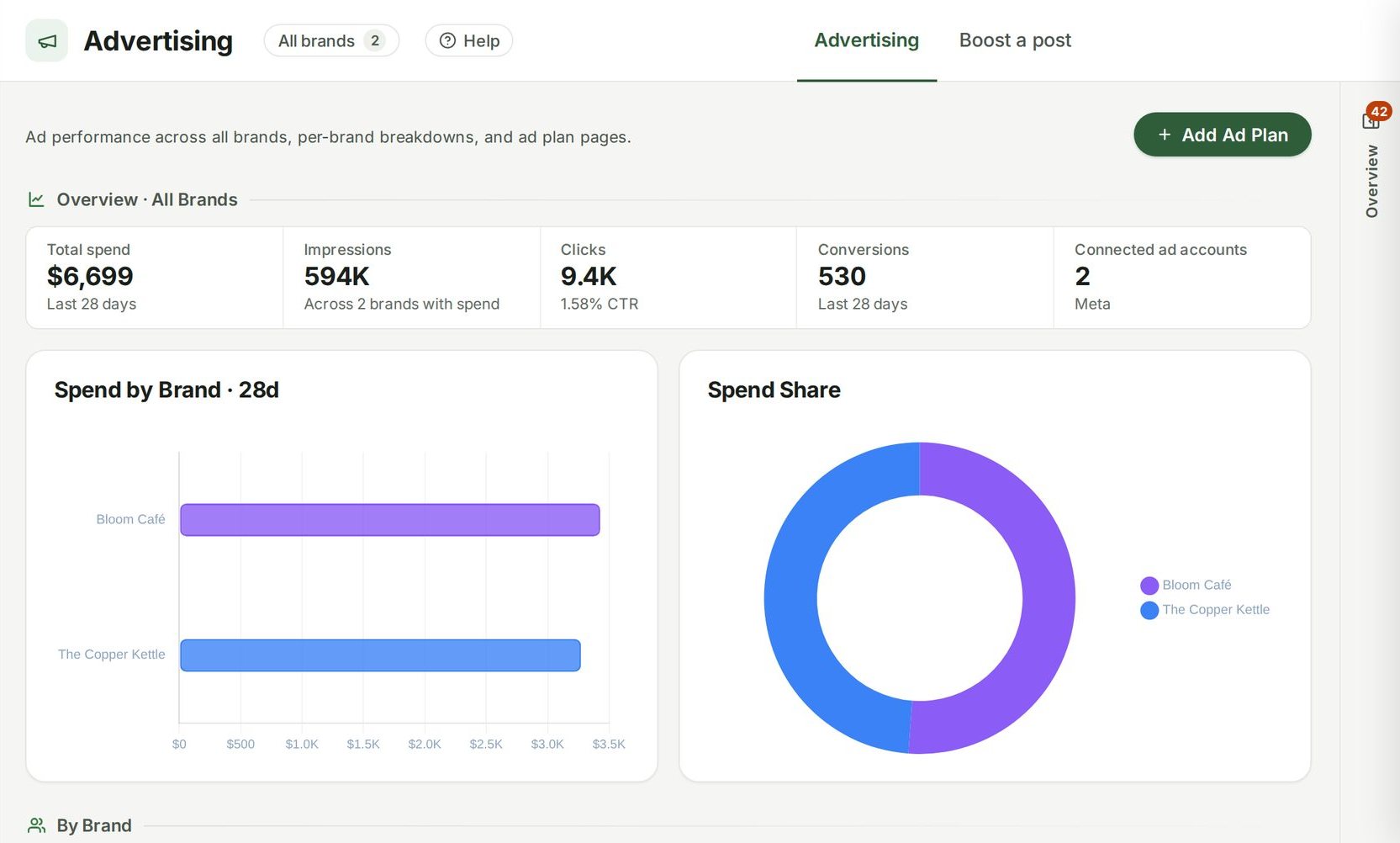
Run the whole restaurant from one place.
Unlimited users, from $249 a location a month. Set up in about fifteen minutes.
7 days free · cancel any time