Take a photo of the invoice. The lines fill themselves in.
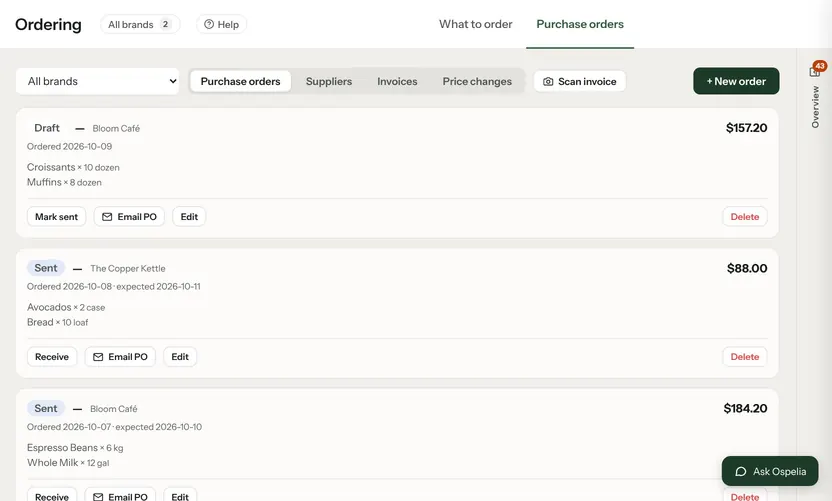
Snap a supplier invoice or upload the PDF. AI reads the supplier, number, dates and every line, matches each line to your inventory items, and opens the invoice form for you to check. Save it and your item costs and recipe costs update.

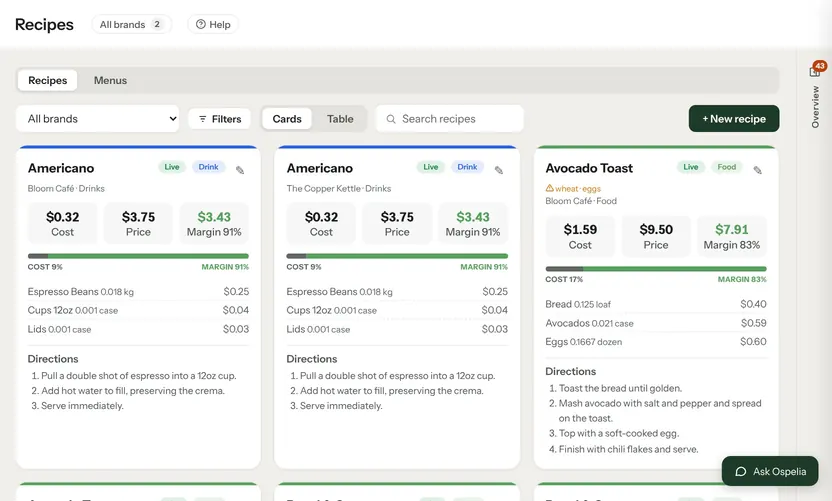
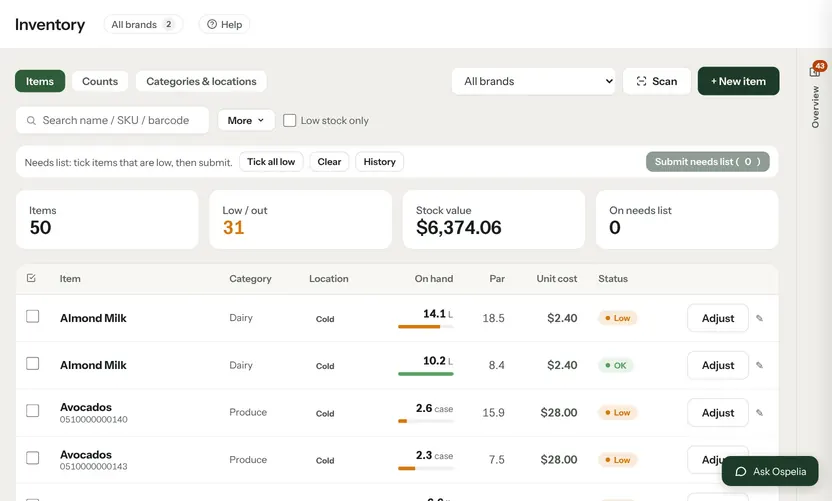
Example data from the demo café in the live product.
A photo becomes an invoice.
Photo or PDF
From your phone's camera or a file.
Matched to your items
Each line is matched to the inventory item it belongs to; new ones are marked.
You check it first
It opens the normal invoice form. Nothing is saved until you click Save.
Costs stay current
Saved prices update item costs and price history, so plate costs move with them.
Connected to
Nothing in Ospelia sits on its own. Snap an invoice reads from and feeds these.
Good to know
How accurate is it?
It reads printed invoices well. Anything it can't read is left blank for you to fill in.
Let the assistant do the legwork.
Included in Operations. Unlimited users. Set up in about fifteen minutes.
7-day free trial · card required, nothing charged for 7 days · cancel any time